Overview
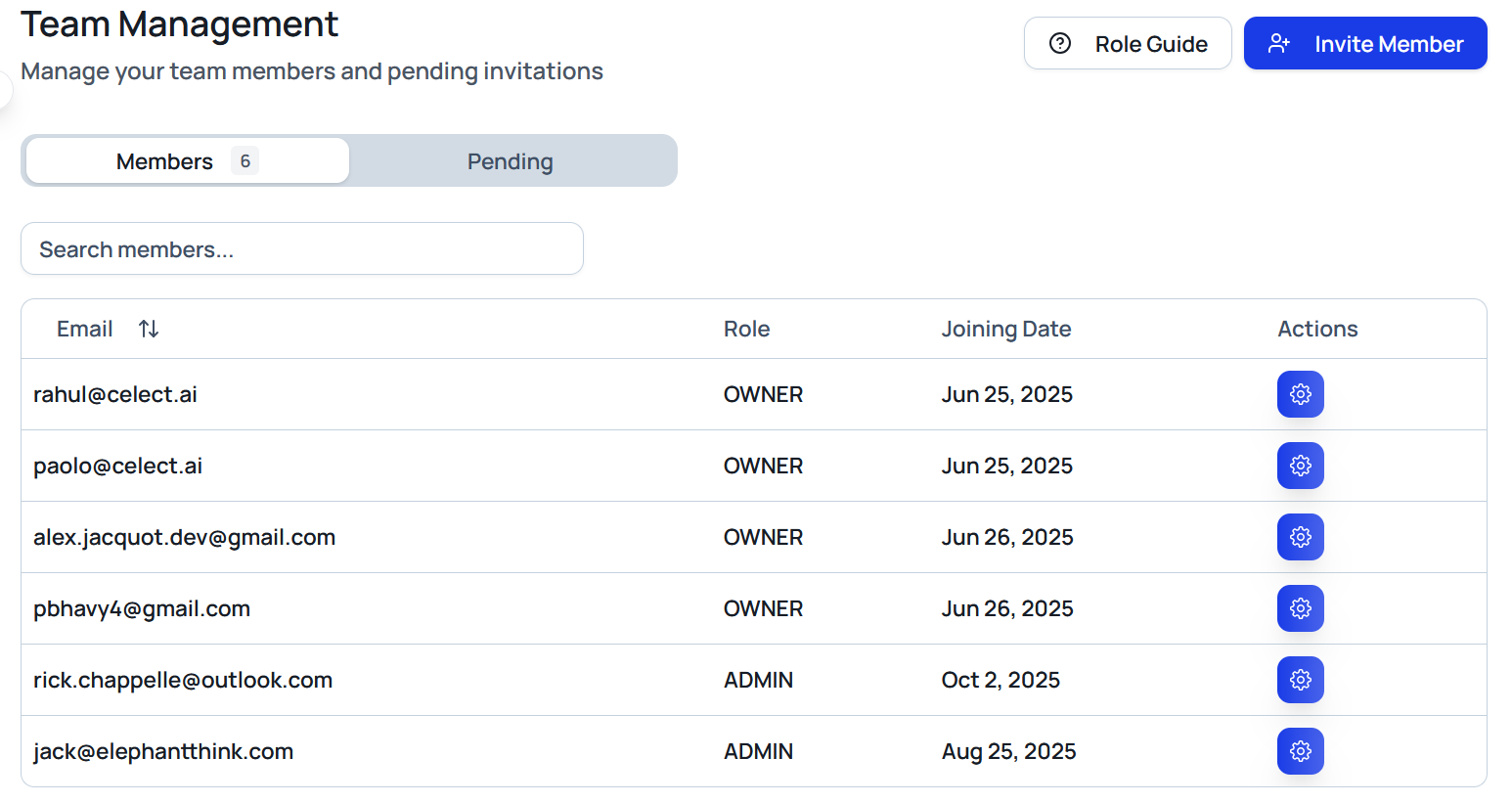
The Organization section centralizes team administration. View active members, update roles, invite collaborators, and visualize how your team is structured inside Celect.
Members Tab
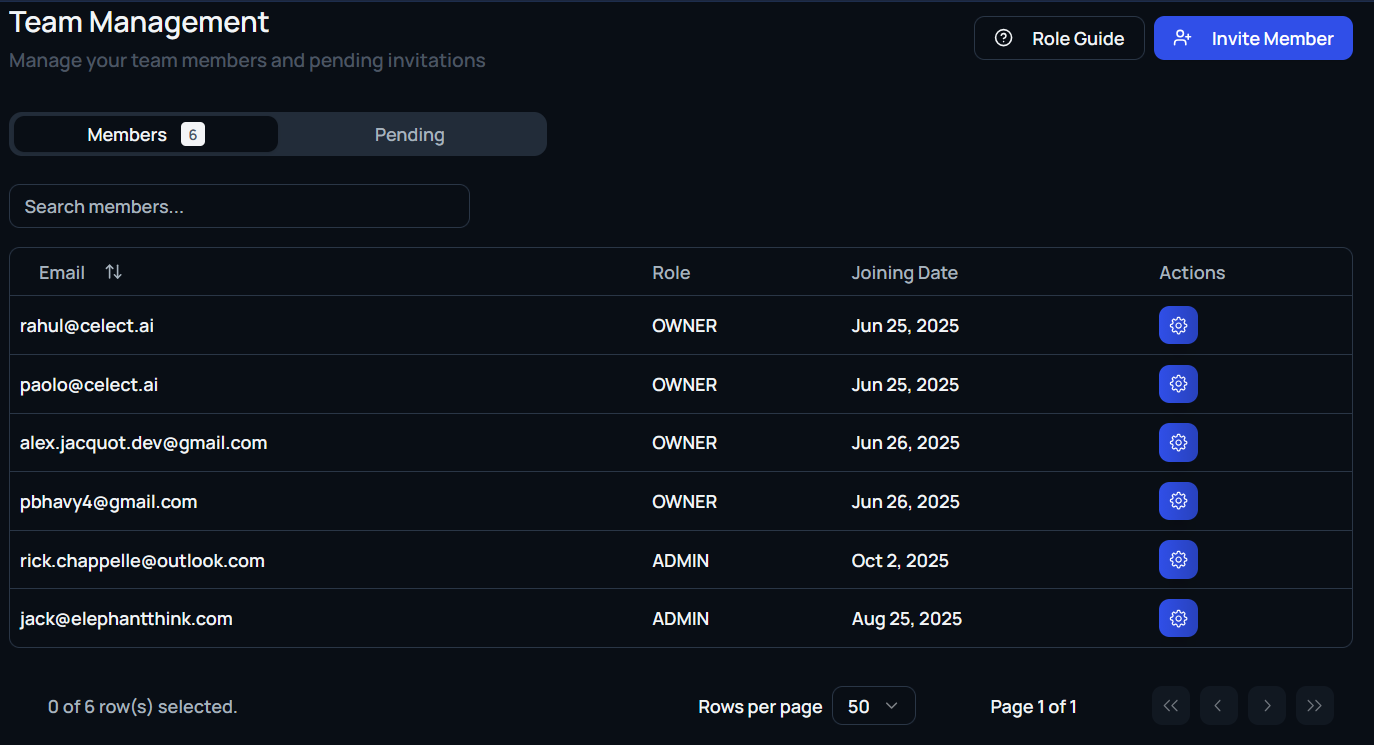
The members list is sortable and provides key identifiers for every user:
- Email address
- Name
- Role (Admin or Member)
Admins retain full platform access, including editing jobs, pipelines, templates, and settings. Members work with limited permissions based on your configuration.
Use the vertical options menu (⋯) next to any member to trigger actions such as Remove Member.
Team View
A visual grid of profile cards appears beneath the list, showing:
- Name
- Initials badge
- Assigned title (for example, “Co-founder,” “Support,” “Talent Acquisition”)
This snapshot helps new teammates understand who handles which responsibilities.
Invite Members
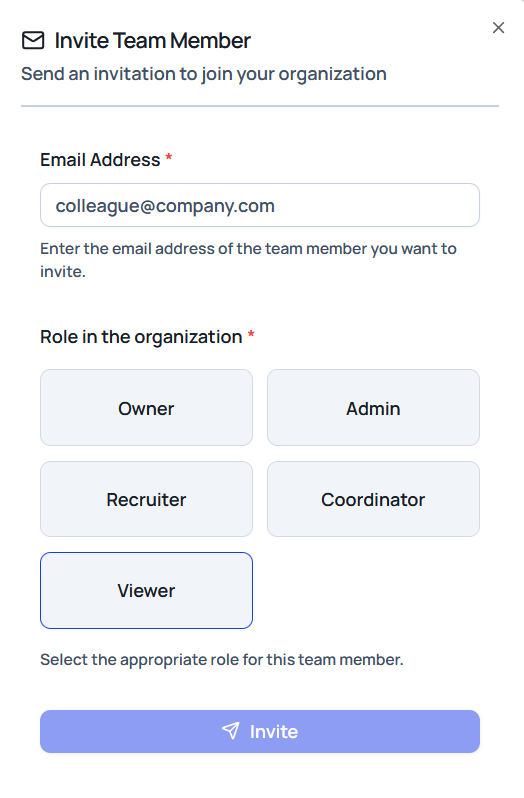
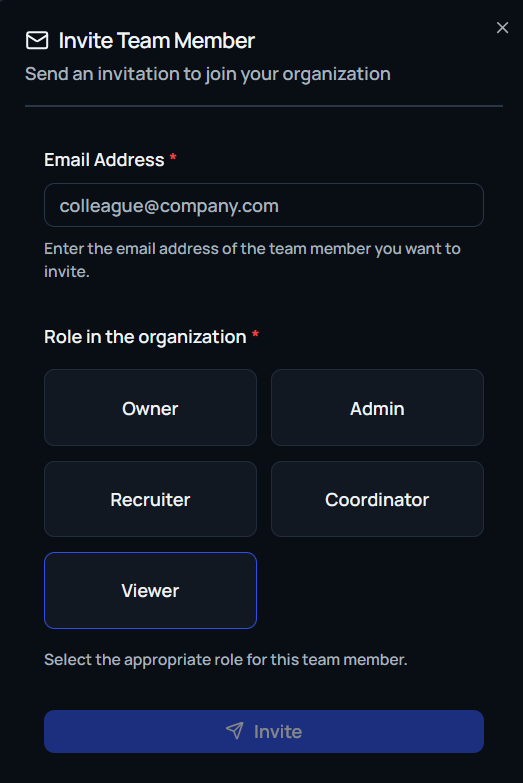
Select Invite Members in the top-right corner to add collaborators. The invite modal prompts for:
- Email address of the invitee
- Role assignment (Admin or Member)
Once submitted, Celect sends an email invite so the user can join your workspace with the specified permissions.
Invitations Tab
Monitor pending invitations from the Invitations tab. Each entry displays:
- Email address
- Current invitation status (for example,
Pending) - Assigned role
Use this view to follow up with invited teammates or revoke access if necessary.