Overview
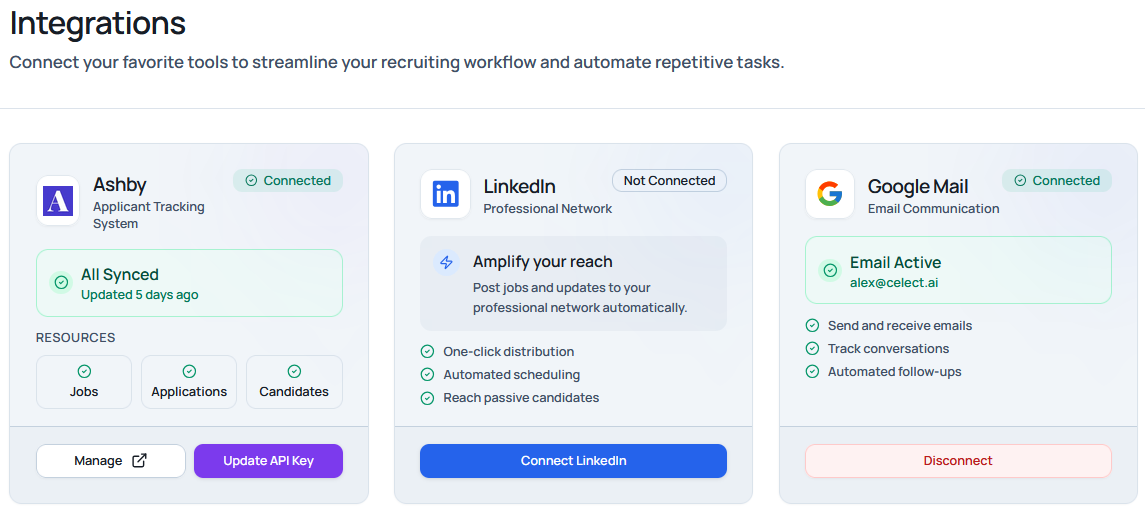
Celect integrates with your existing tools so you can source, communicate, and track candidates in one place. This section covers three core integrations:
- Gmail: Send and receive email directly inside Celect.
- Ashby: Sync jobs, candidates, stages, and notes with your ATS.
- LinkedIn: Publish roles and share updates to increase reach.
Note: Admins can manage integrations in Settings. Some connections are per-user (OAuth), while others are organization-wide (API keys).
Ashby
What it does
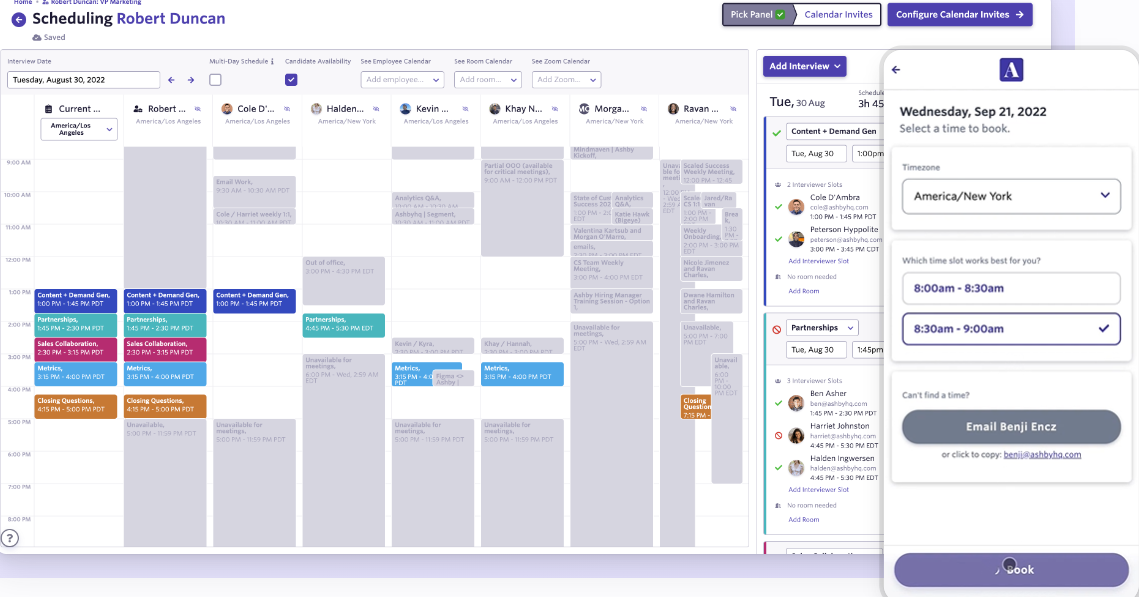
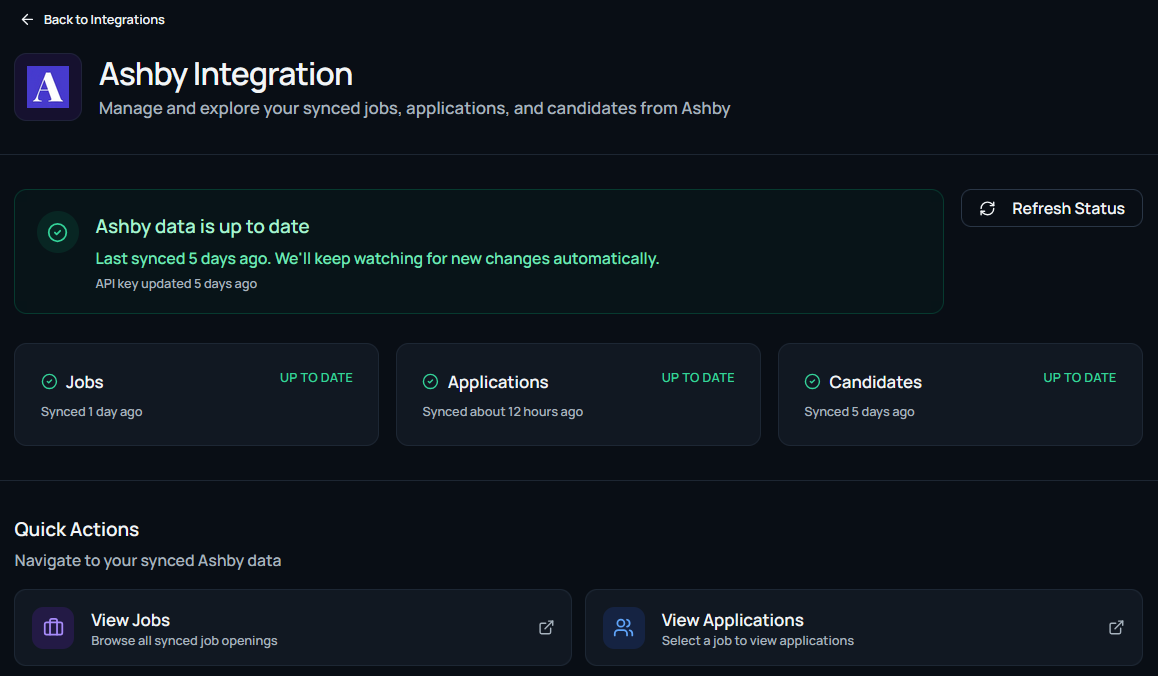
- Two-way sync: Keep jobs, candidates, stages, and notes aligned between Celect and Ashby.
- Job mapping: Publish and manage roles in Celect while preserving Ashby as the system of record.
- Pipeline updates: Moves in Celect reflect in Ashby, and vice versa, reducing duplicate work.
API keys and permissions
- Org-level API key: Ashby connection is configured once per organization by an admin.
- Where to create: In Ashby, generate an API key from Admin/Developer settings with read/write access for jobs, applications, stages, and notes (the exact names may vary by Ashby plan/tenant).
- Storage: Keys you add in Celect are stored encrypted at rest. You can rotate or revoke them at any time in Settings.
Tip: For least privilege, use a dedicated integration key scoped only to the resources you plan to sync.
How to connect
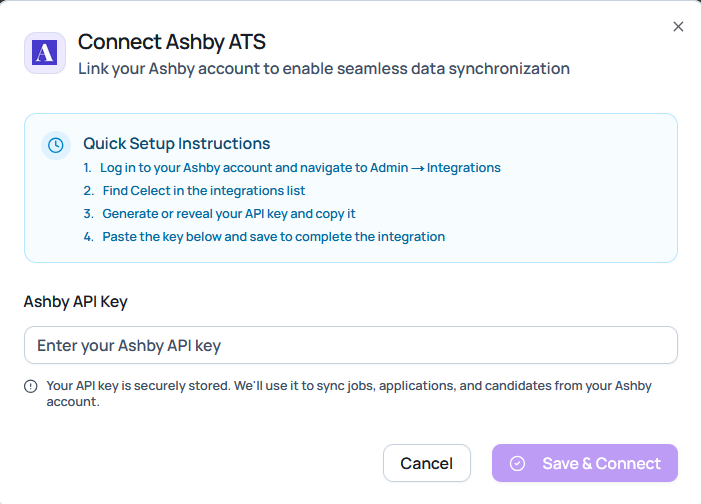
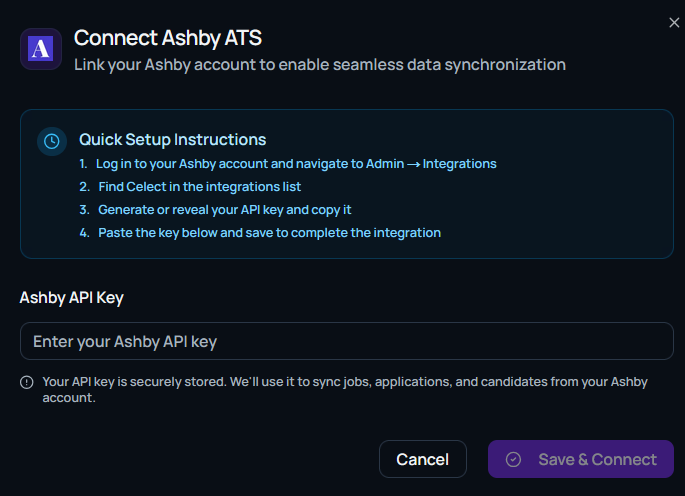
- In Celect, open Integrations → Ashby.
- Paste your Ashby API key and select the workspace (if prompted).
- Click Connect. Celect validates the key and performs an initial sync.
- Review the mapping summary and confirm.
Sync behavior
- Initial import: Existing Ashby jobs and candidates can be imported to Celect for a unified view.
- Ongoing updates: Changes to stages, notes, and candidate metadata are synced regularly.
- Conflict handling: The most recent authoritative change is respected; audit logs record updates.
Browsing jobs and applications
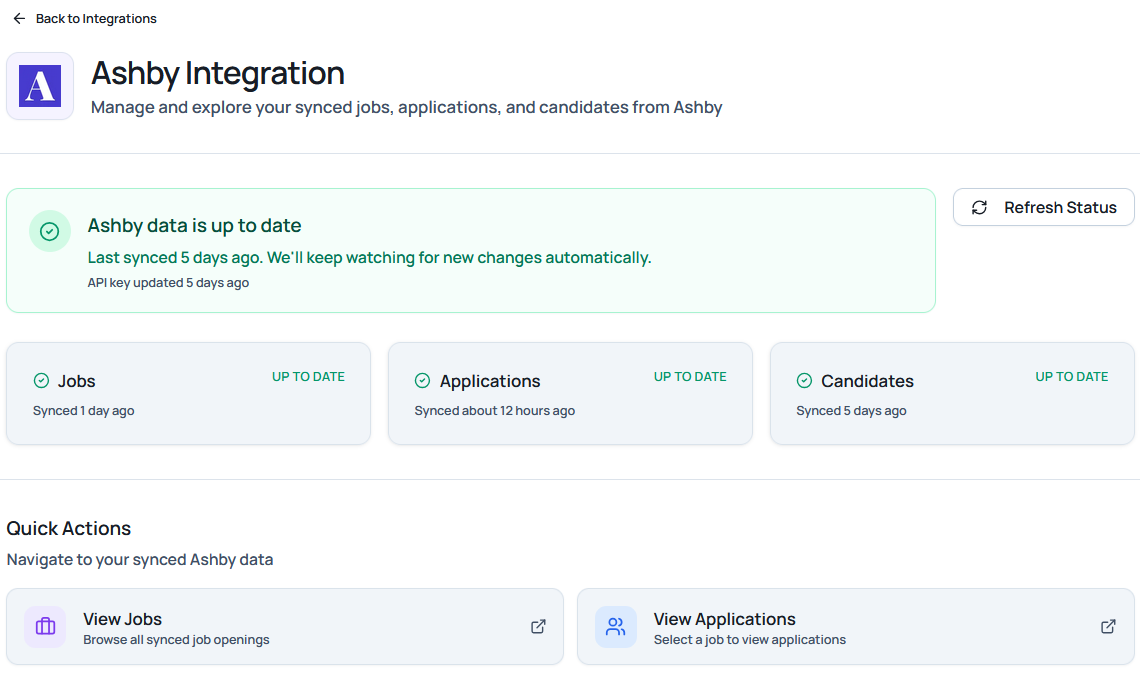
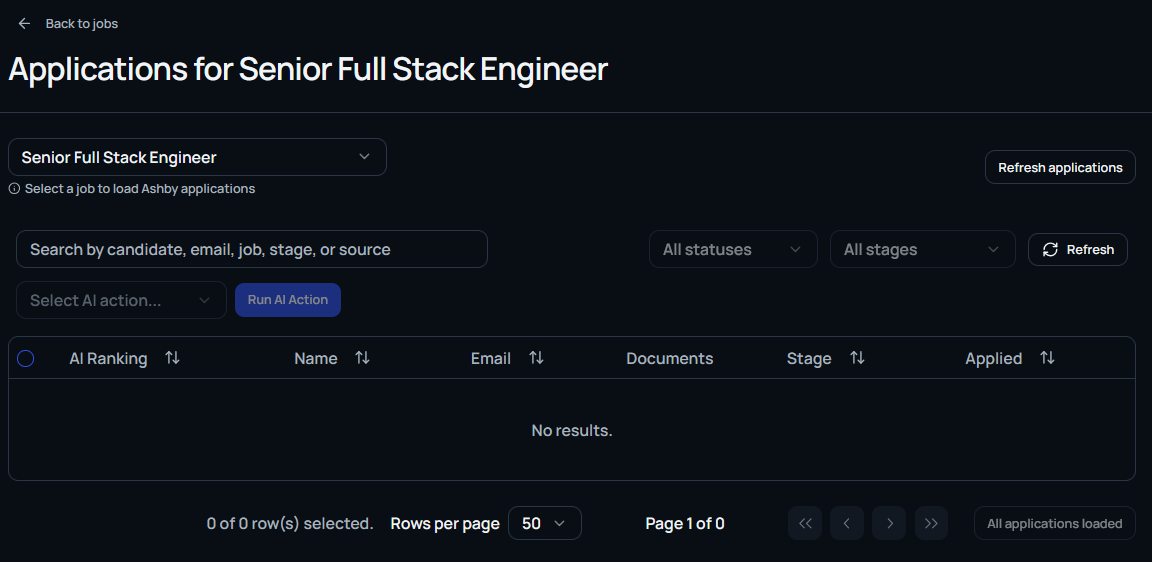
You can directly browse the various jobs from the Ashby platform directly from your Dashboard.
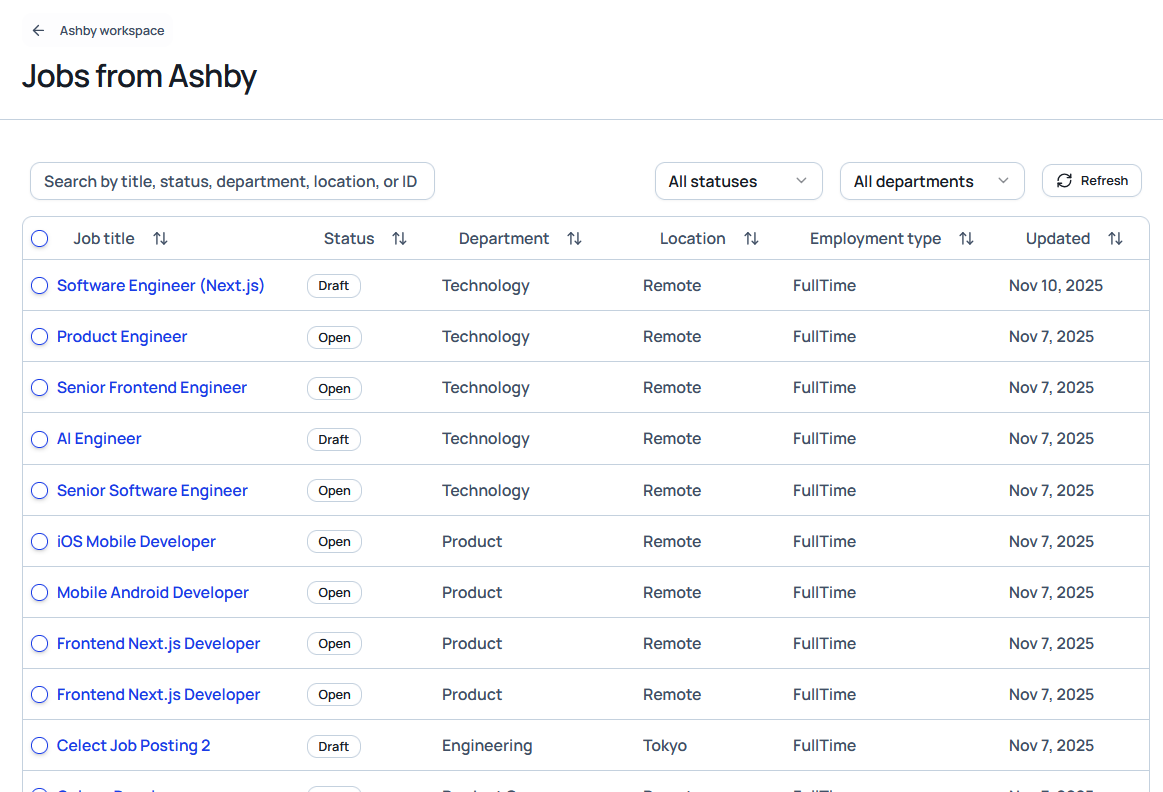
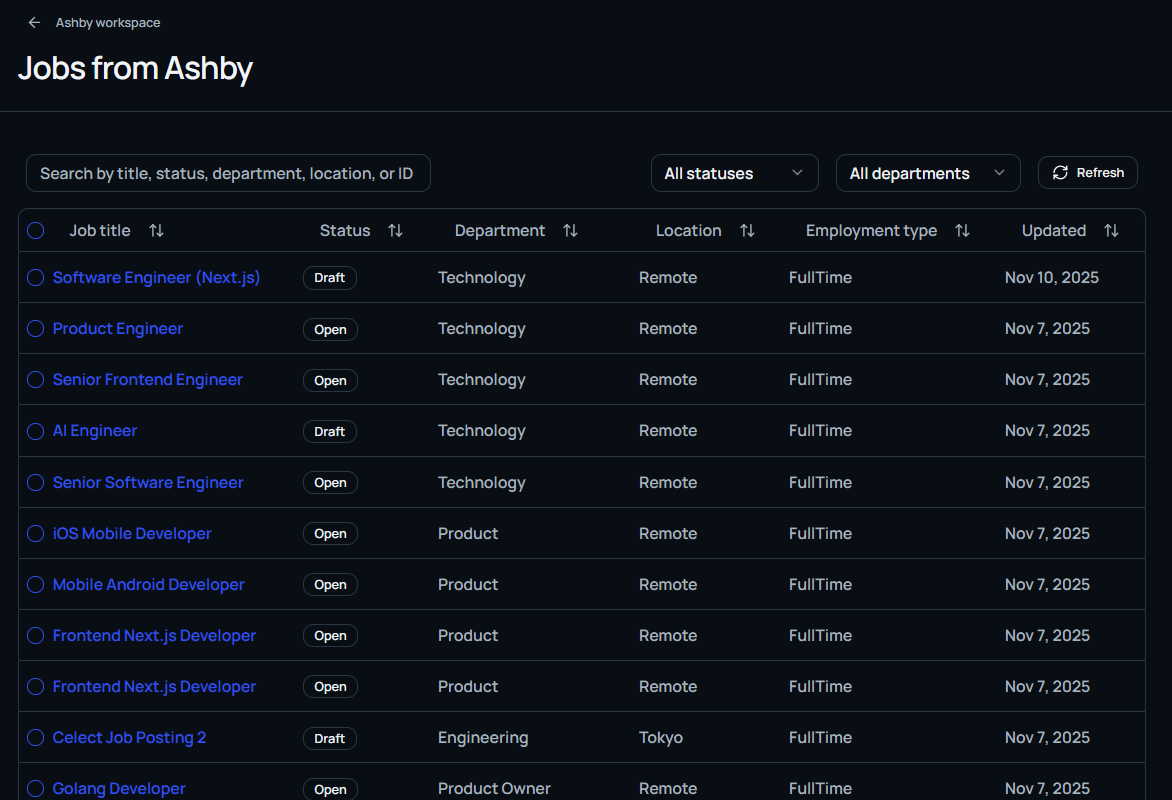
Clicking on the job title can list you all applications for that job directly retrieved from Ashby.
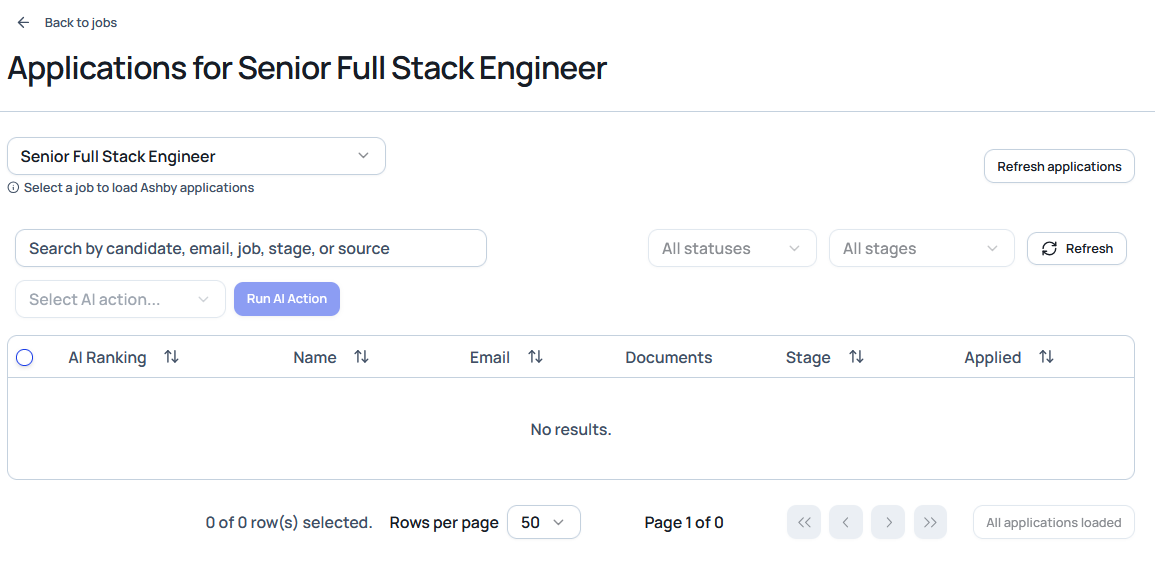
This will bring you direcly to the applications table where you can review any applications for a specific job.
Connecting with Cai
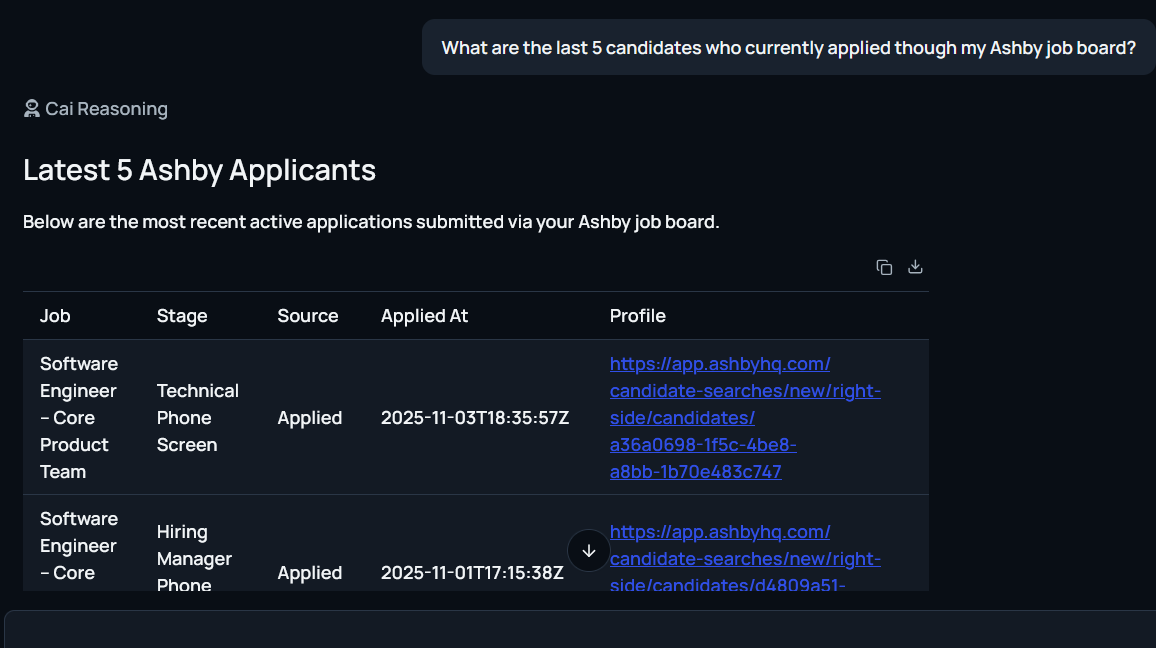
Cai recognizes your integration with Ashby if you have 1, make sure that you correctly enabled Ashby integration on the Cai window.
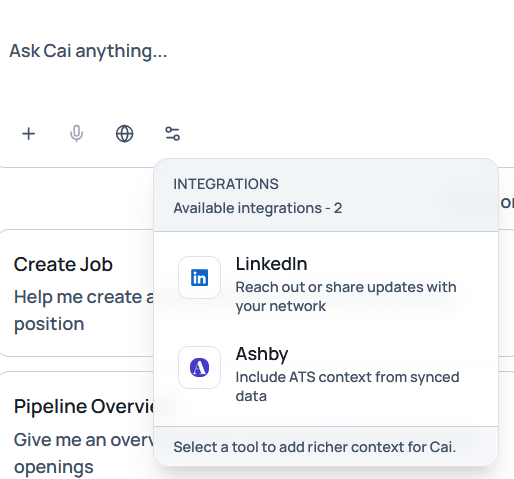
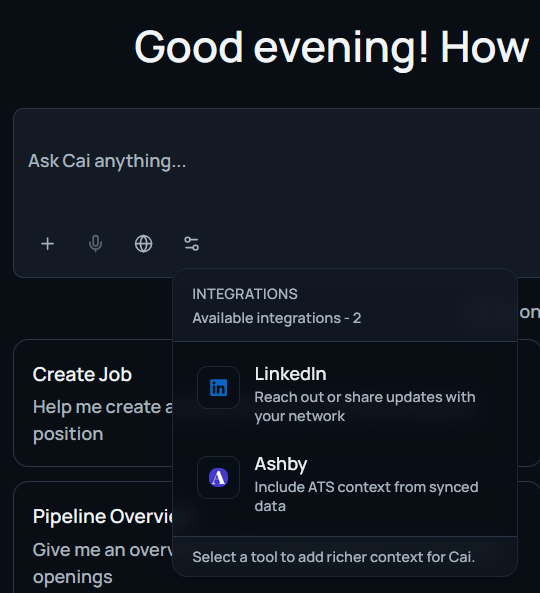
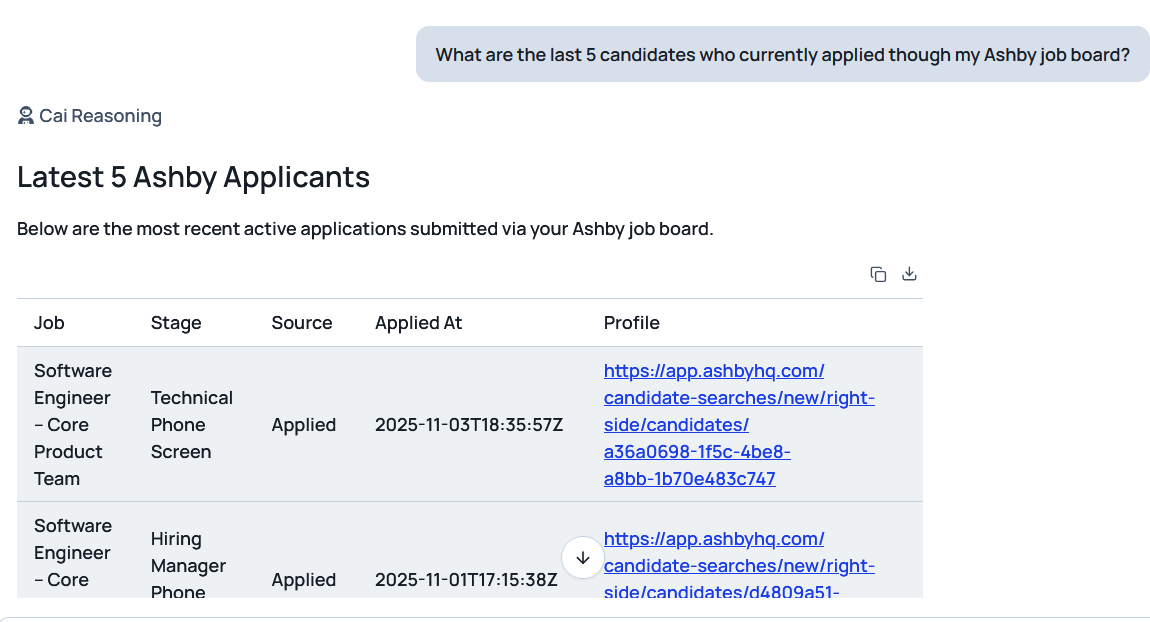
If it is successfully setup, you can now retrieve and do most of the operations described in the Cai - Hiring agent section, such as for example retrieving latest jobs or candidates from your Ashby board.
Gmail
What it does
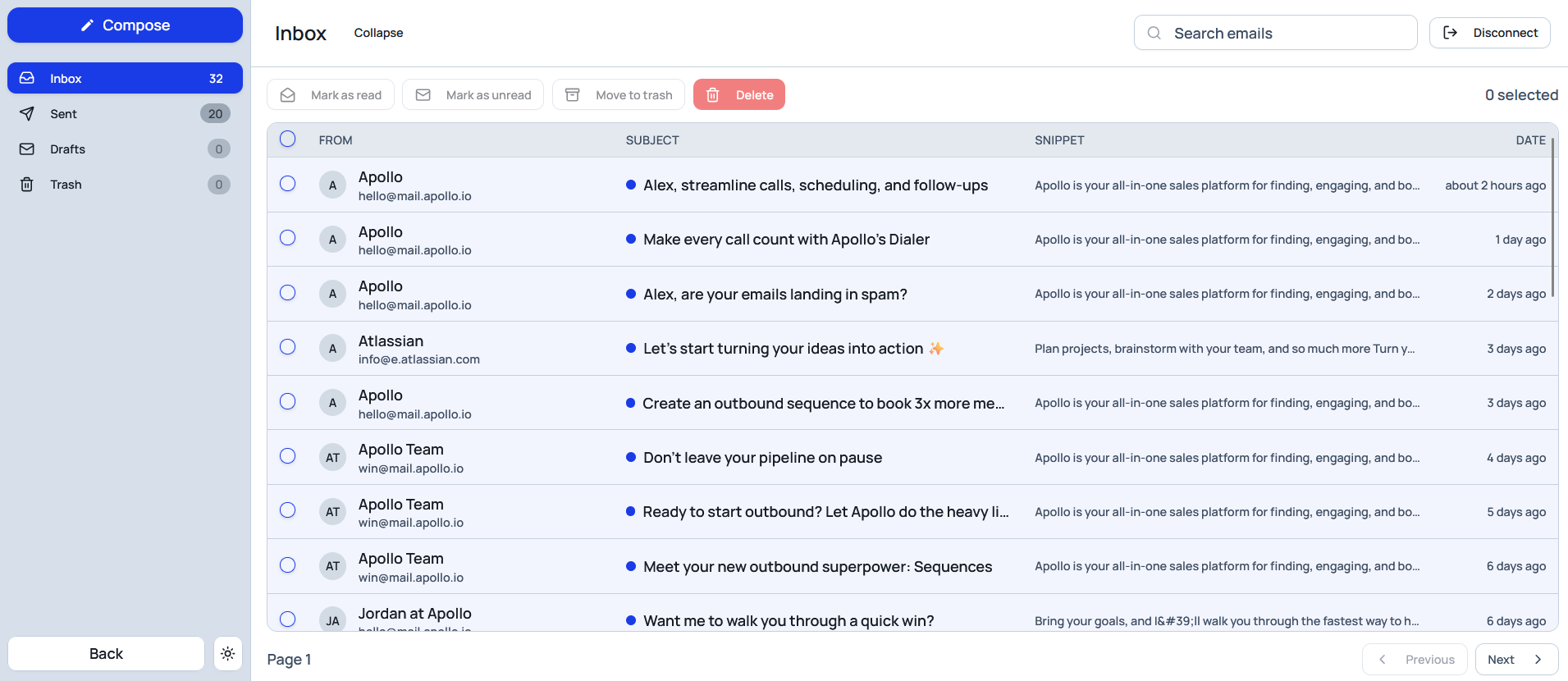
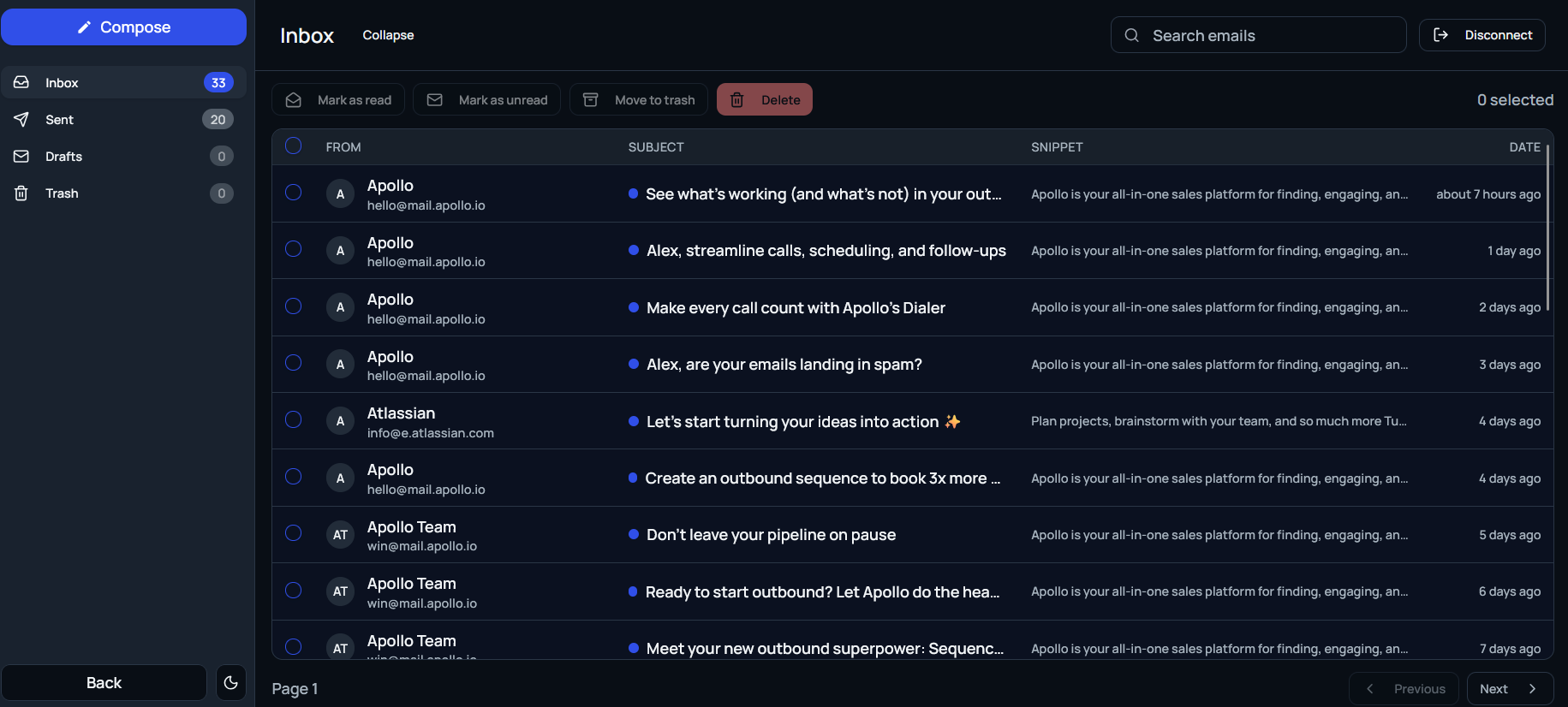
- Unified inbox: Read and reply to candidate emails without leaving Celect.
- Full sync: Messages sent in Celect appear in Gmail; Gmail replies appear in Celect.
- Templates and automation: Use Celect templates and Cai to draft, personalize, and send at scale.
How to connect
- Go to Email in the sidebar.
- Choose Gmail and complete the secure OAuth sign-in.
- Grant requested permissions to enable sending and syncing.
Security: Celect uses OAuth; no Gmail passwords are stored. You can revoke access anytime from your Google account or Celect Settings.
What it does
- Job distribution: Publish or prepare roles for LinkedIn with consistent titles, locations, and descriptions.
- Team sharing: Generate ready-to-post content so recruiters and hiring managers can amplify reach.
- Cai assistance: Ask Cai to draft LinkedIn-optimized copy and create share links.
Connection model
- Per-user OAuth: Each teammate connects their LinkedIn account to post/share under their identity.
- Company pages: Posting to company pages may require the appropriate LinkedIn page role.
- No API keys: LinkedIn uses OAuth permissions; nothing sensitive is stored beyond tokens required for posting.
How to connect
- Go to Integrations → LinkedIn (or connect when prompted during posting).
- Sign in with LinkedIn and grant the requested permissions.
- Select your posting target (personal profile or company page, if available).
Cai integration
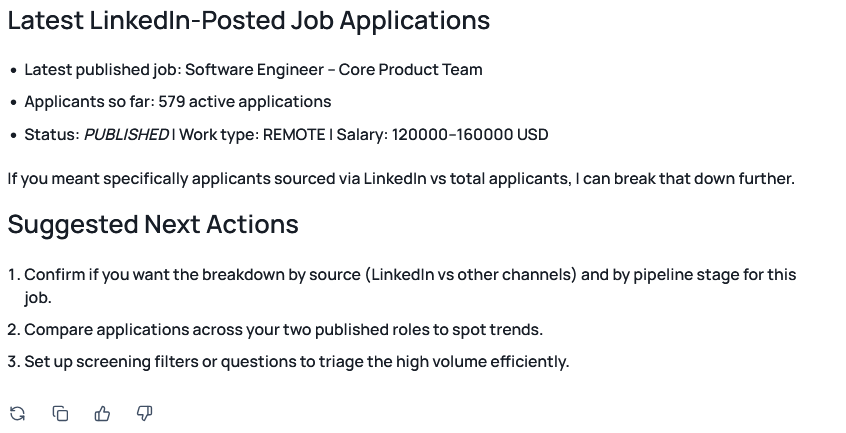
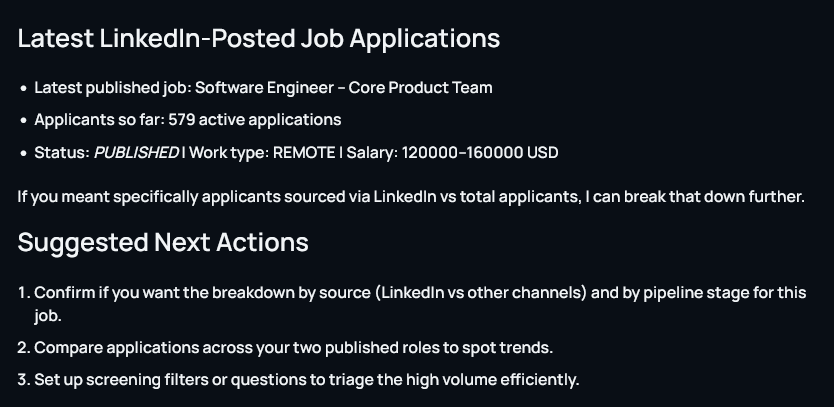
You can interrogate Cai after integrating LinkedIn about your posted job offers and candidates who applied.
Troubleshooting & Controls
- Token refresh: If OAuth tokens expire, you’ll be prompted to re-authenticate.
- Rotation/revocation: For Ashby, rotate API keys in both Ashby and Celect. For Gmail/LinkedIn, revoke access via the provider account or Celect Settings.
With these integrations enabled, Celect centralizes communication, distribution, and tracking—reducing manual work and keeping your hiring data consistent across systems.