Section 4: Post Jobs
Create new job listings step by step for strong candidate matches.
Overview
The Post Jobs flow provides a guided form so you can create polished listings quickly. Each step ensures the role is clearly defined, making it easier to attract well-matched applicants.
Key Steps
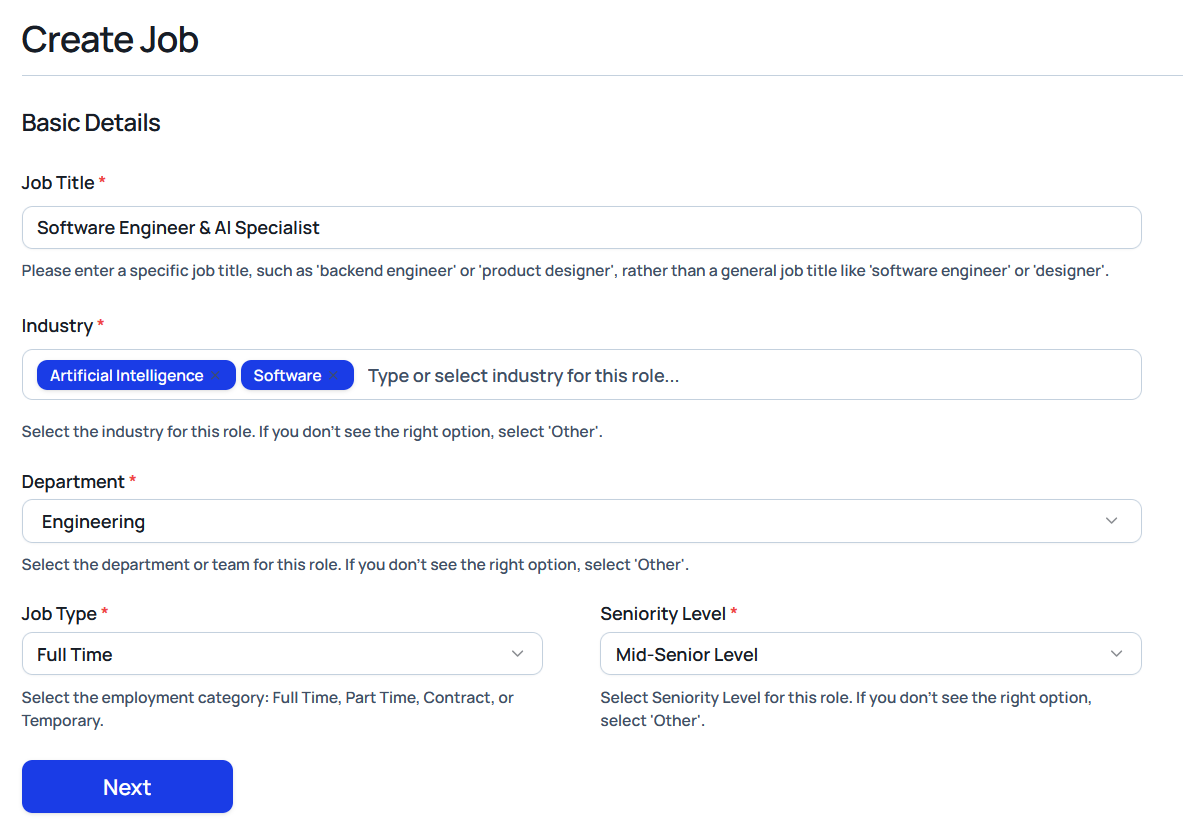
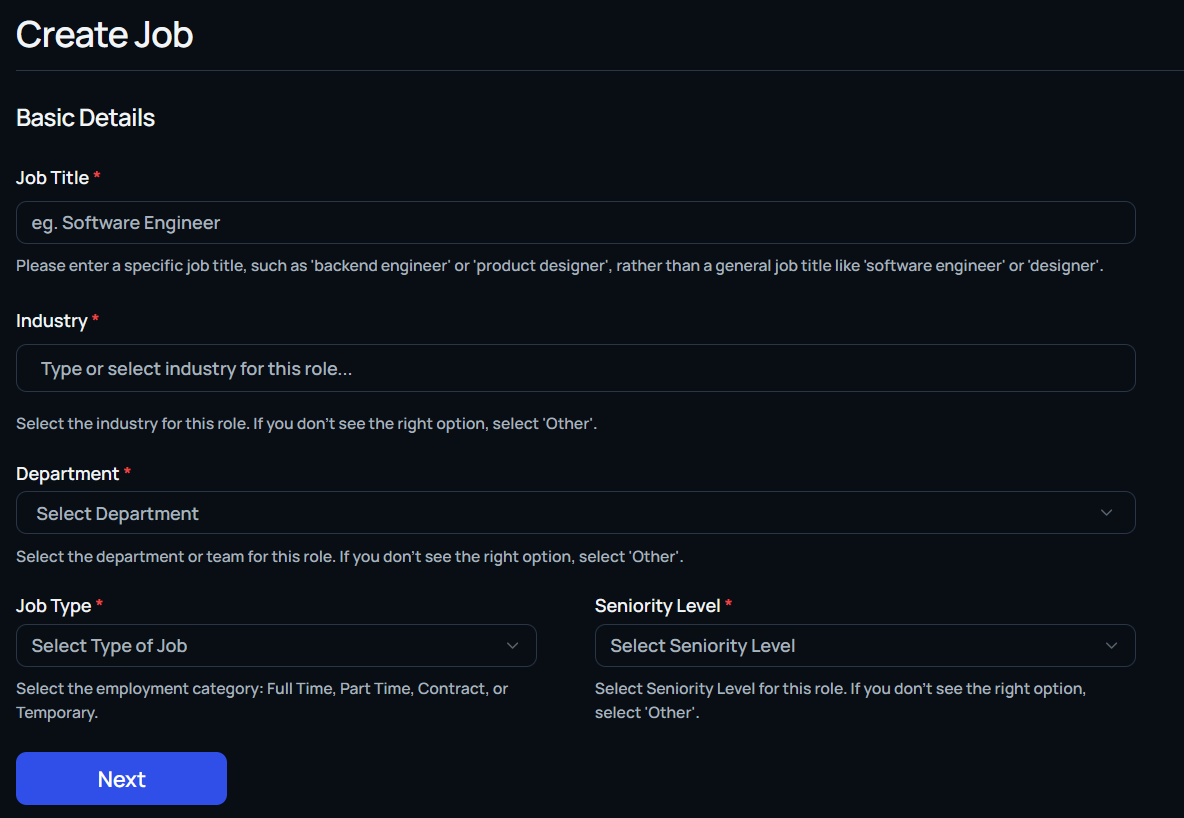
Basic Details
Capture core context for the role:
- Job title
- Industry and department
- Job type (for example, full-time, part-time, or contract)
- Seniority level
Description
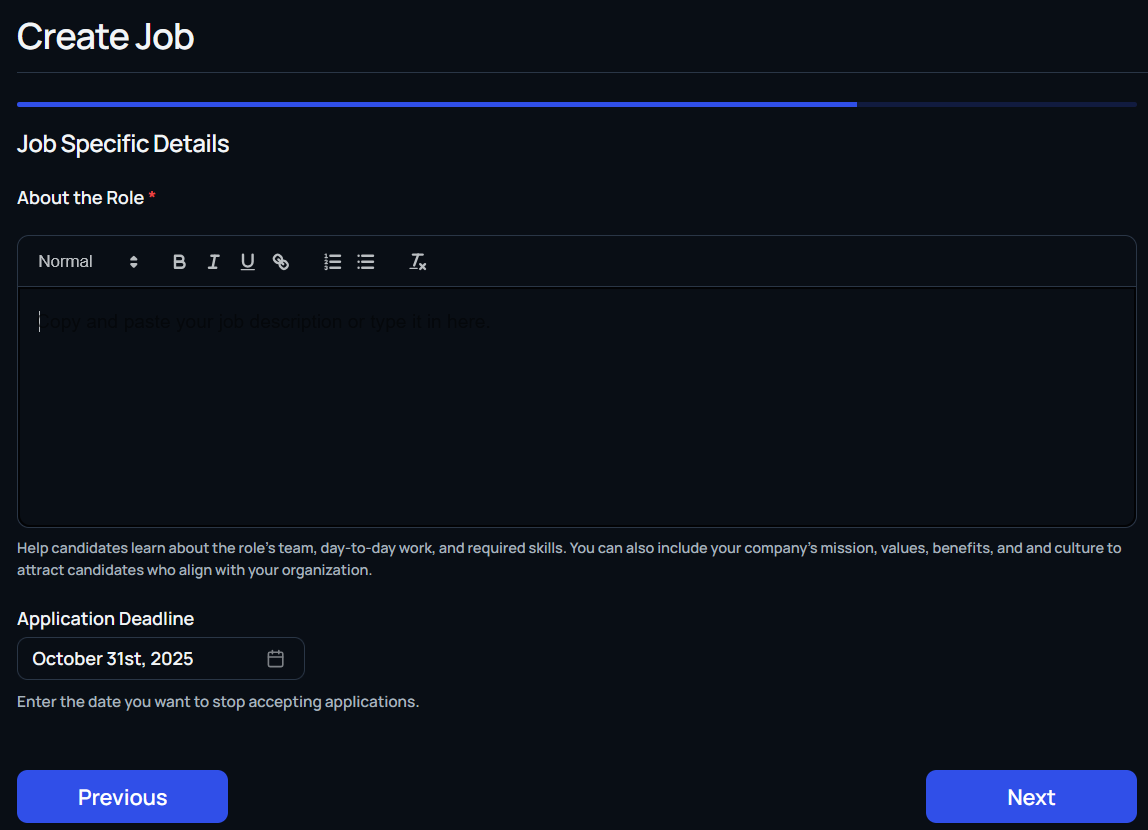
Describe the job offer in detail and put a deadline for applications

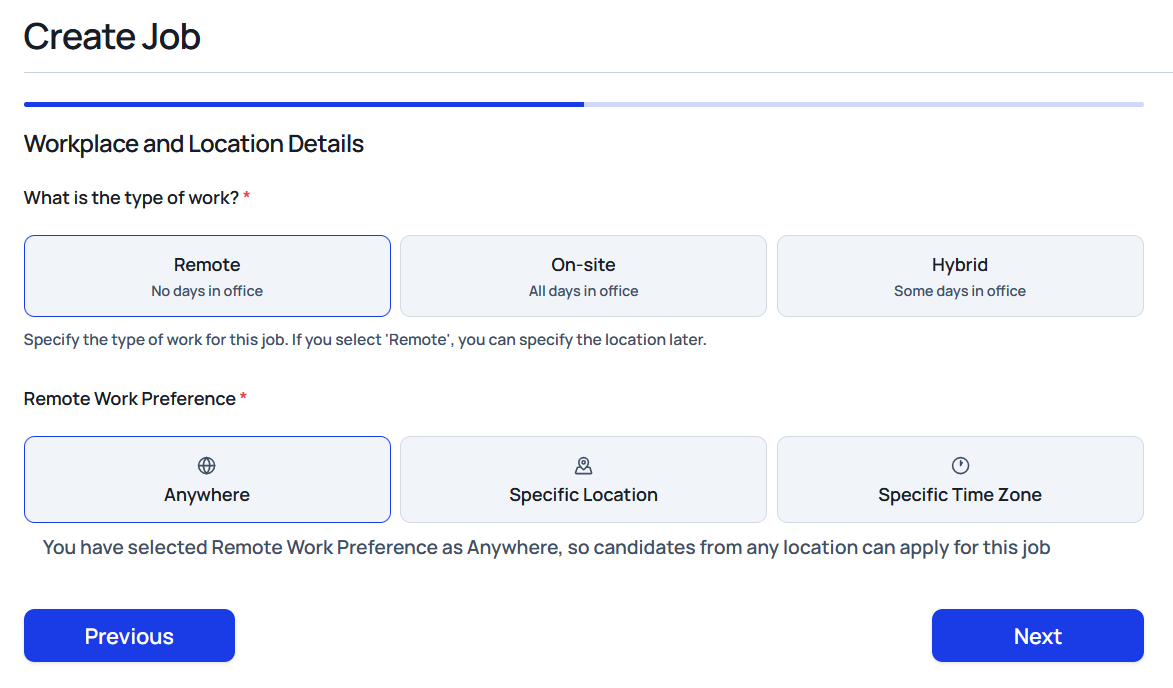
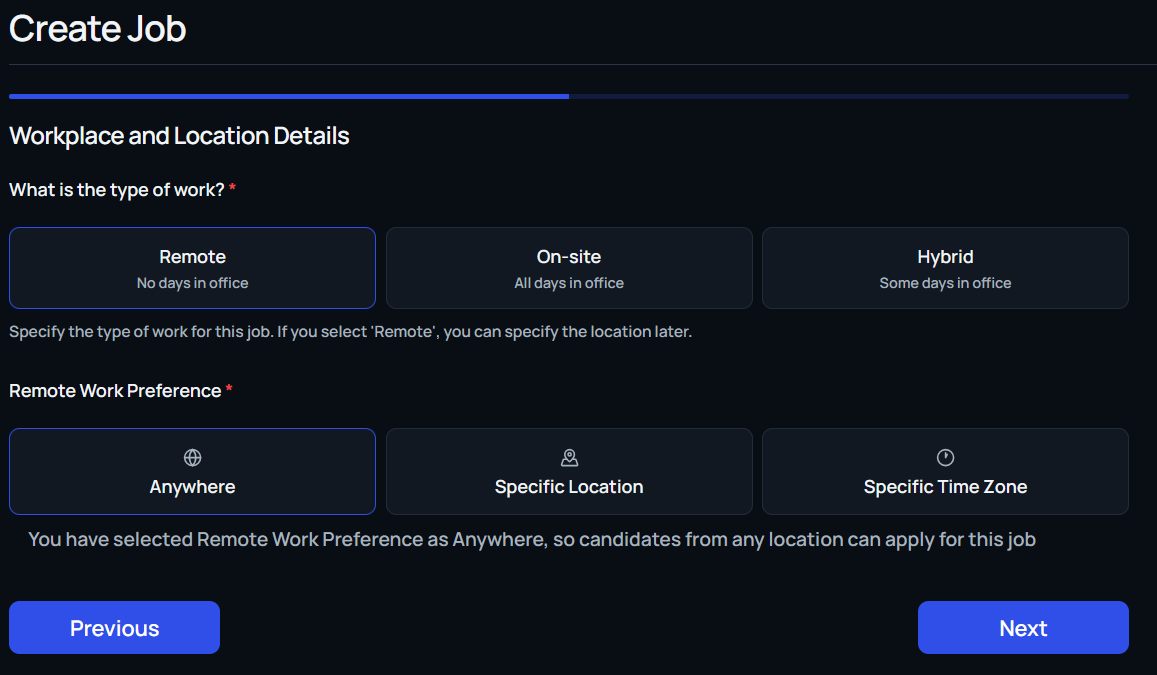
Workplace & Location
Set expectations for how and where work happens:
- Select Remote, On-site, or Hybrid
- Provide the country and city for location-based roles
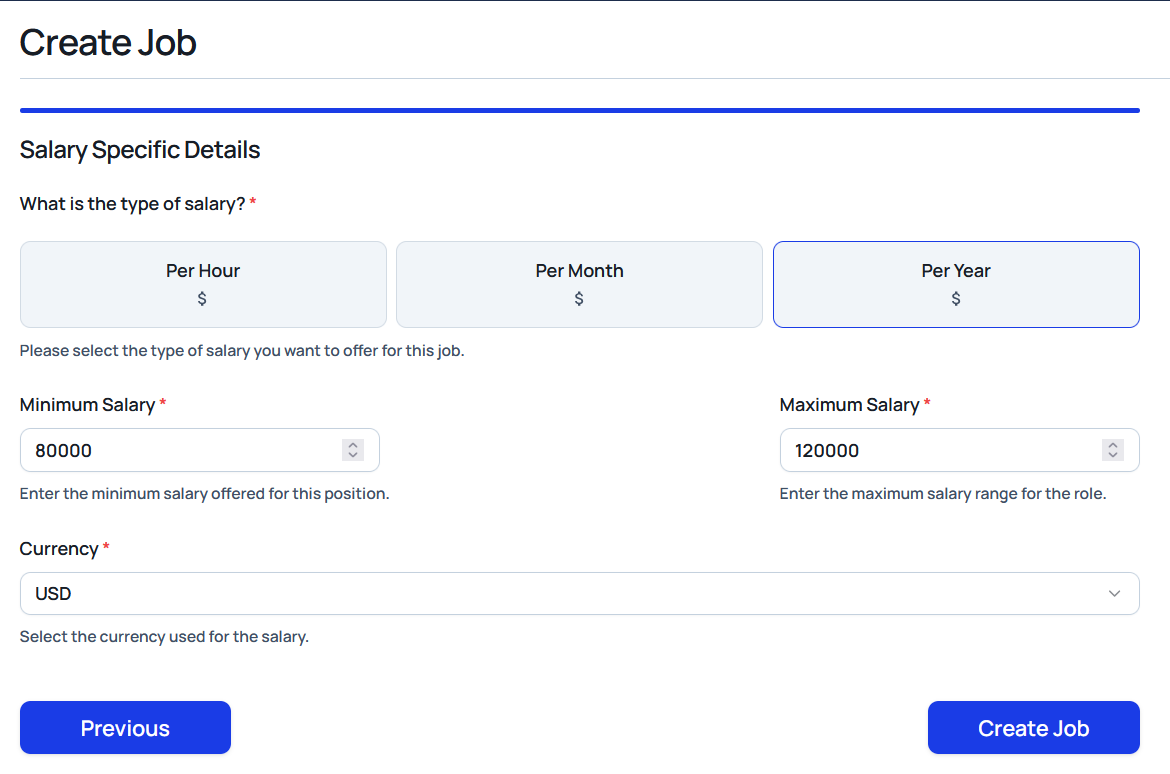
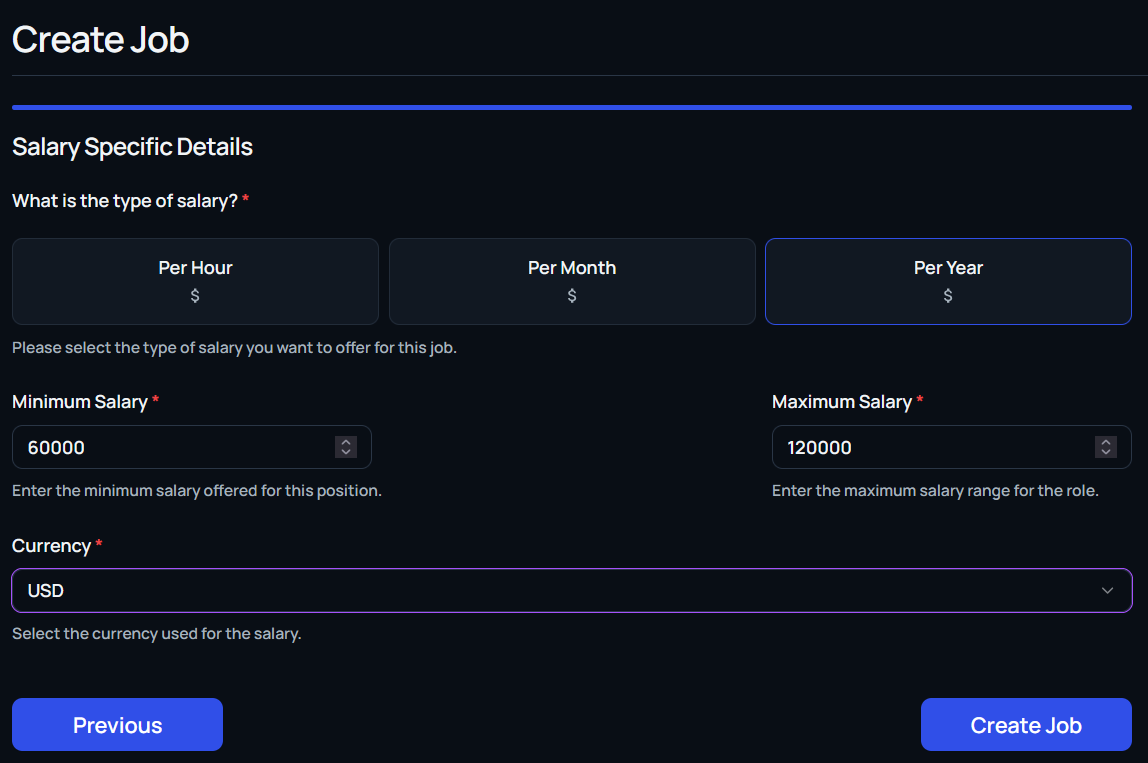
Salary Details
Clarify compensation to filter for candidates within range:
- Choose the cadence (hourly, monthly, or annual)
- Enter minimum and maximum salary bands
- Specify the currency
Screening Questions (Optional)
Add qualifying questions now or enable them later:
- Build custom prompts (free text, multiple choice, yes/no)
- Pull from the suggested list (for example, work authorization, background check consent, or visa sponsorship)
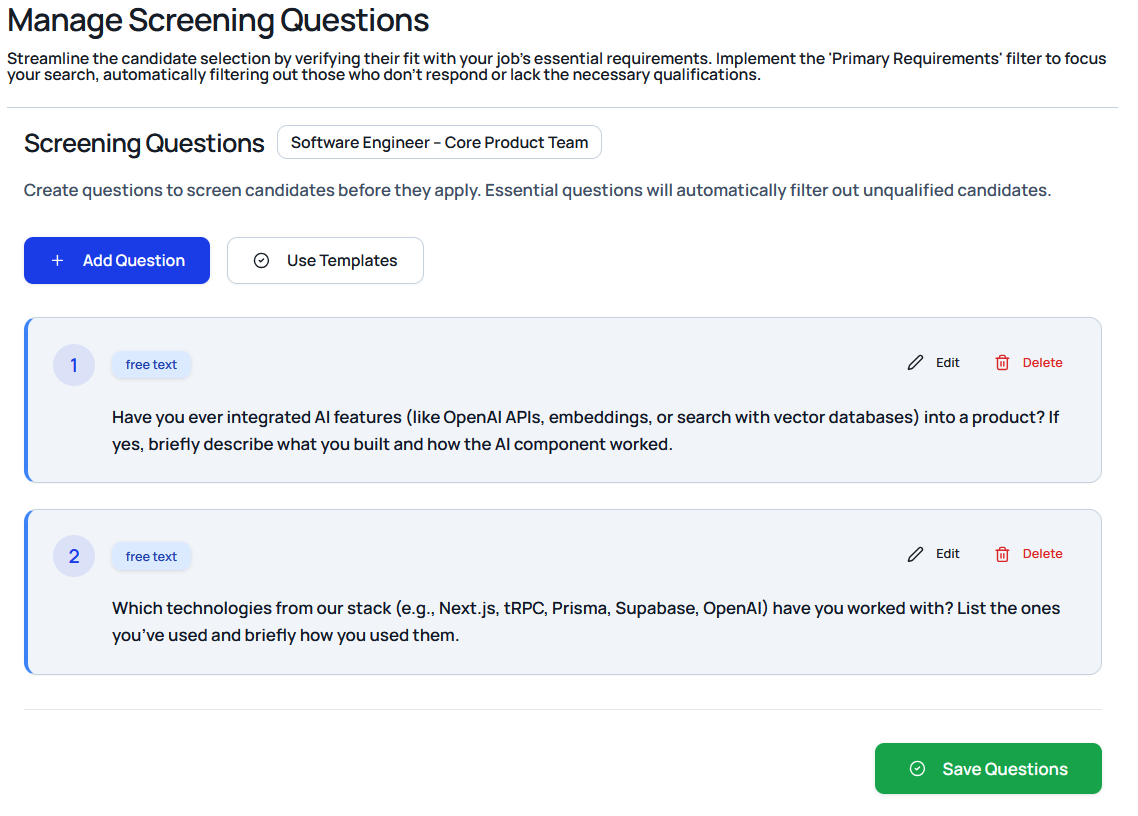
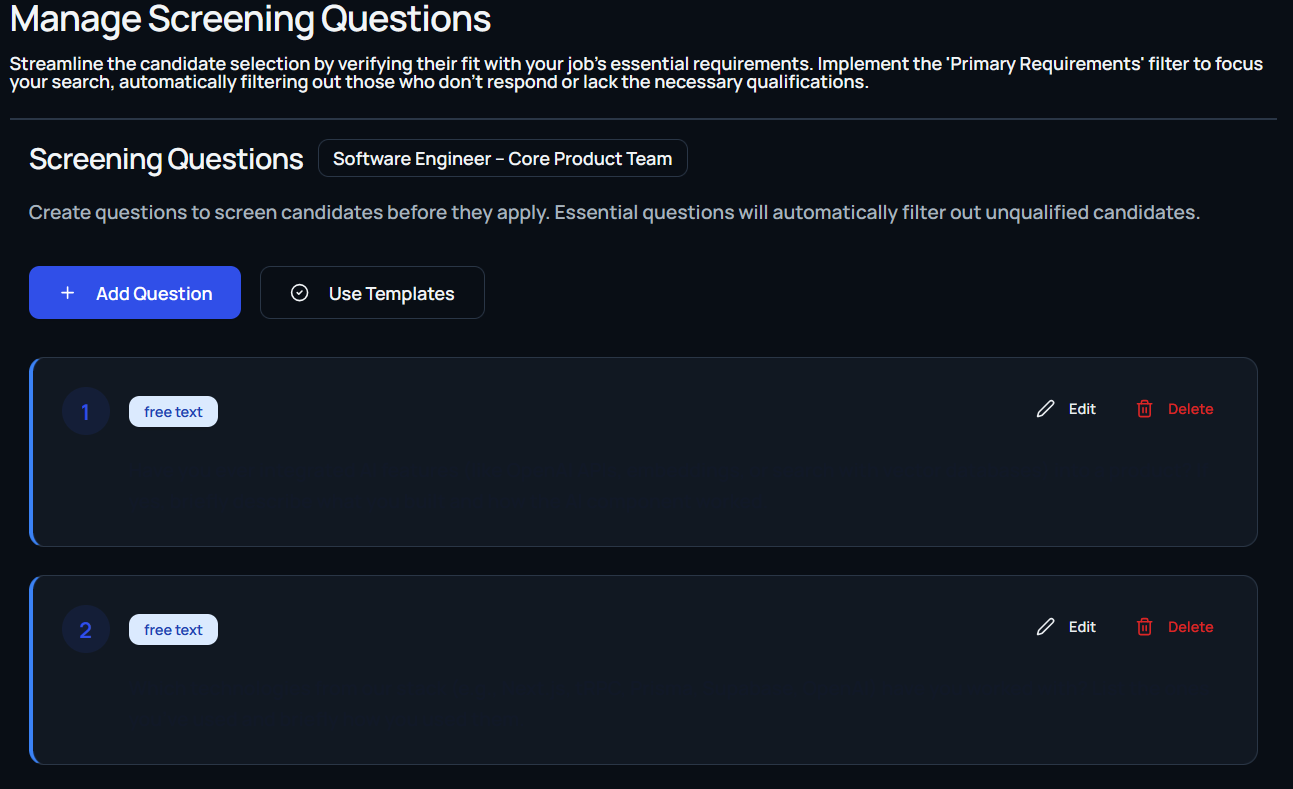
Tip: Thoughtfully layered screening questions significantly improve the chances of finding the right candidates quickly.
Job Creation Confirmation
After completing all fields, select Create Job. You can immediately add screening questions or head straight to the job management dashboard to review the posting.