Section 14: Account Settings
Tune your recruiter profile, professional networks, skills, and password.
Overview
Open Account Settings by selecting your name or email in the bottom-left corner. This area keeps your recruiter profile accurate and compelling for teammates and candidates alike.

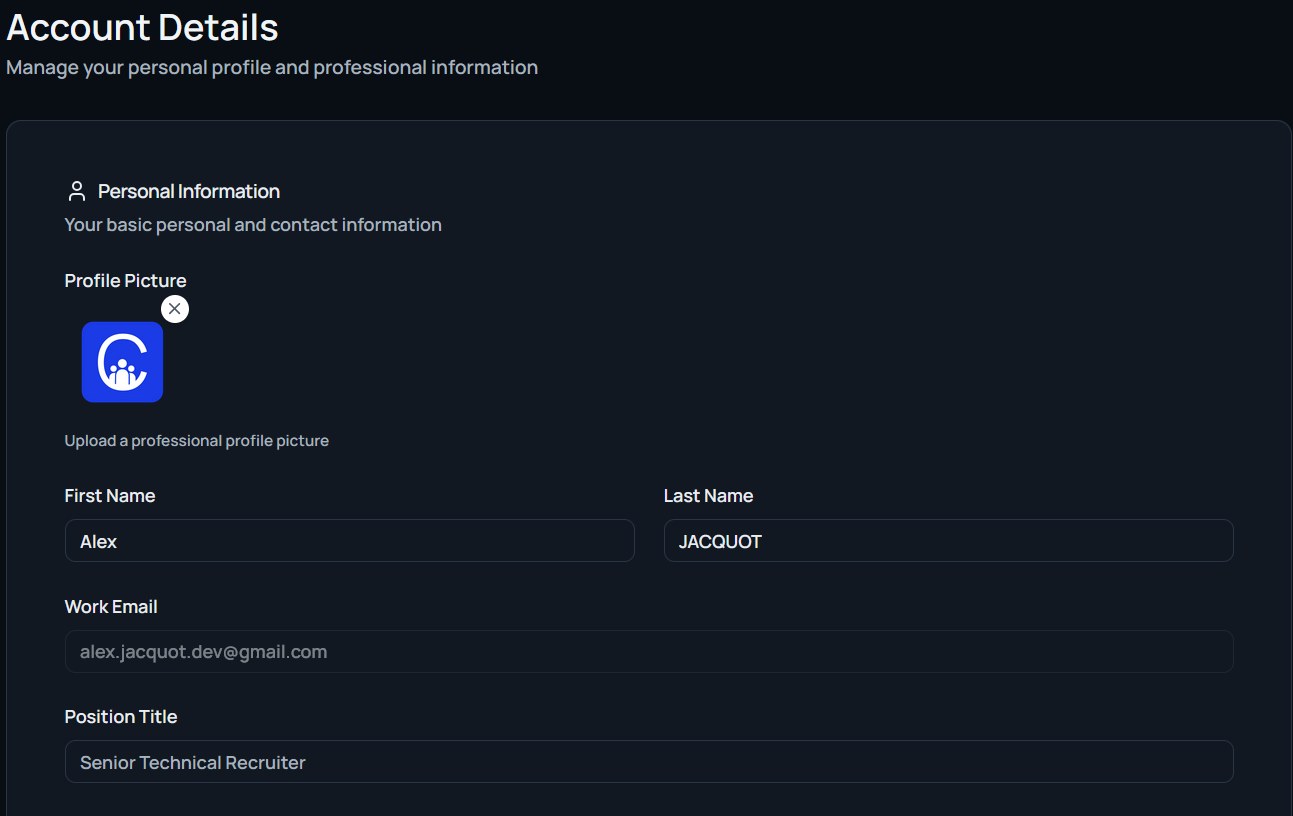
Basic Information
Update core profile details:
- First and last name
- Work email
- Position title
- Profile picture upload
Professional Details
Define how you introduce yourself:
- Professional headline: Concise summary such as “Senior Technical Recruiter.”
- Professional bio: Longer narrative covering experience, specialization, and interests.
Professional Networks
Link external profiles to add credibility:
- GitHub
- Portfolio website
Skills & Languages
Highlight expertise and communication range:
- Recruiting skills: Select capabilities like sourcing, interviewing, executive search, employer branding, or ATS management.
- Languages: List the languages you can work in professionally.
Password Management
Keep your account secure by setting a new password. Enter the new password twice to confirm and select Update Profile to save all changes across the page.