Section 16: Bulk Application Analysis
Upload external resumes in batches and let Celect AI rank them instantly.
Overview
Celect AI Co-Pilot accelerates high-volume recruiting by parsing large batches of resumes and applying your pipeline logic automatically. Use bulk analysis when you’ve sourced applicants from external channels and want immediate visibility into how they stack up.
Uploading Candidates
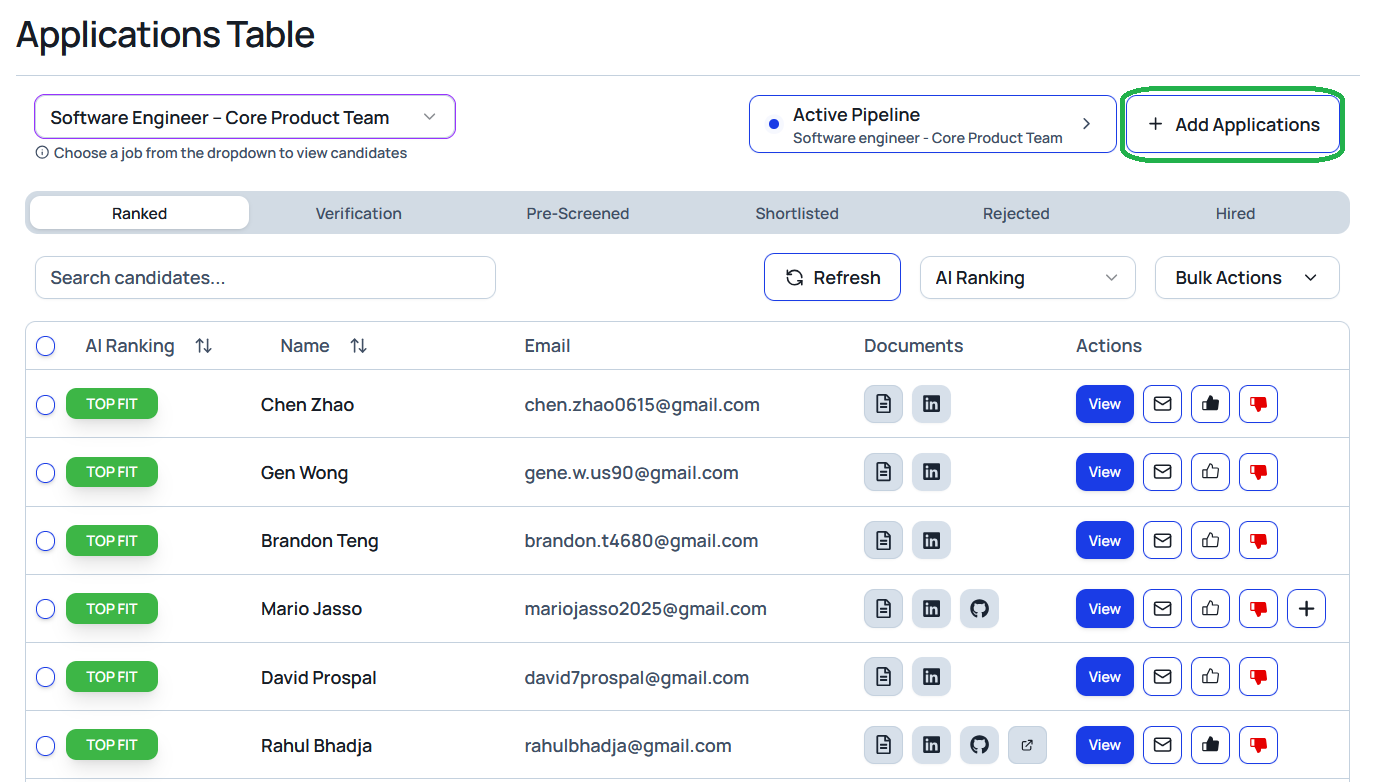
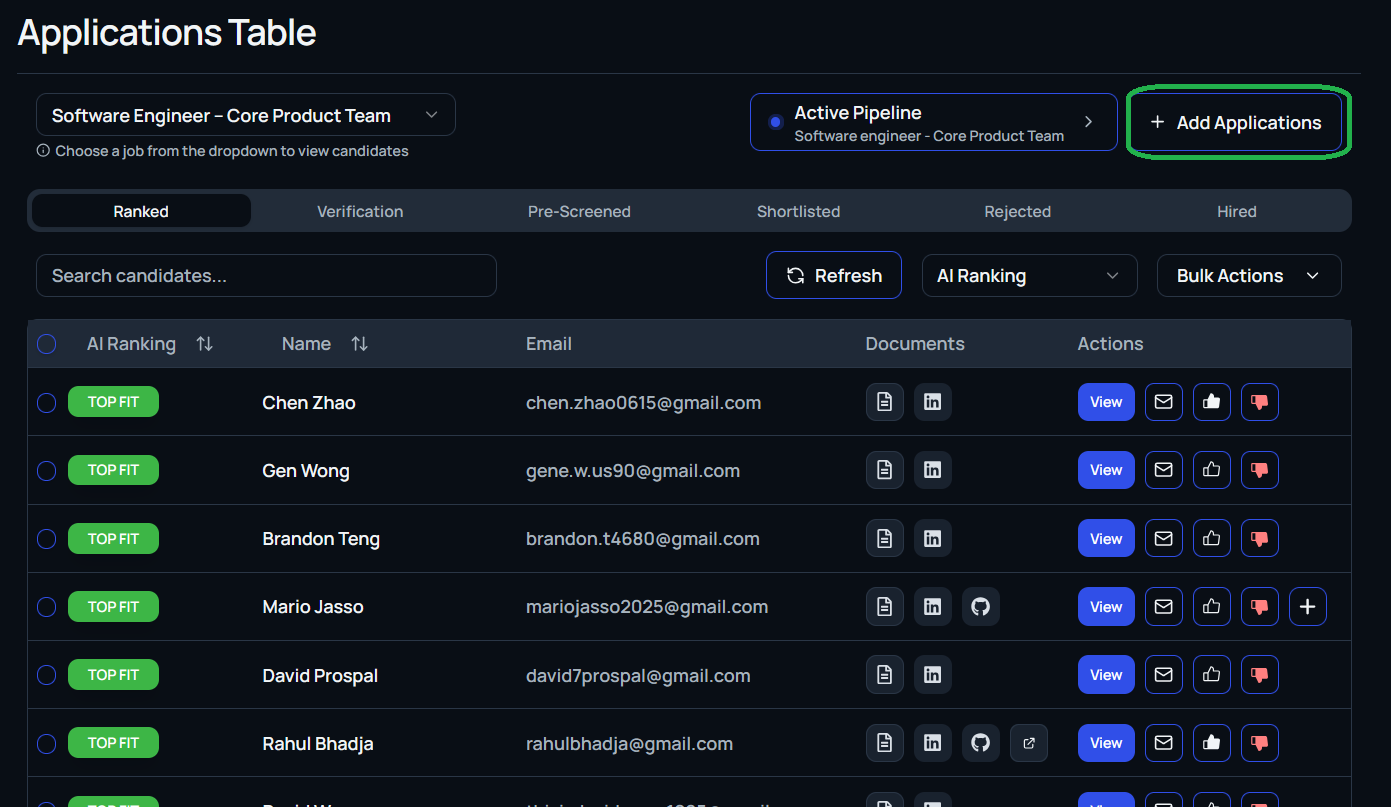
- Navigate to the job where you want to add the candidates.
- Open the Applications tab and select + Add Candidates in the top-right corner.
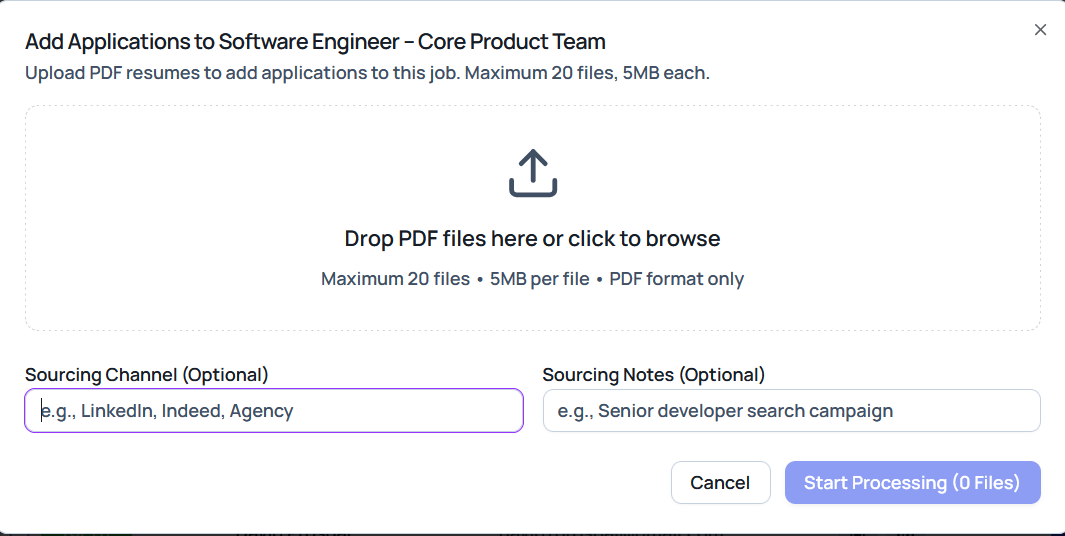
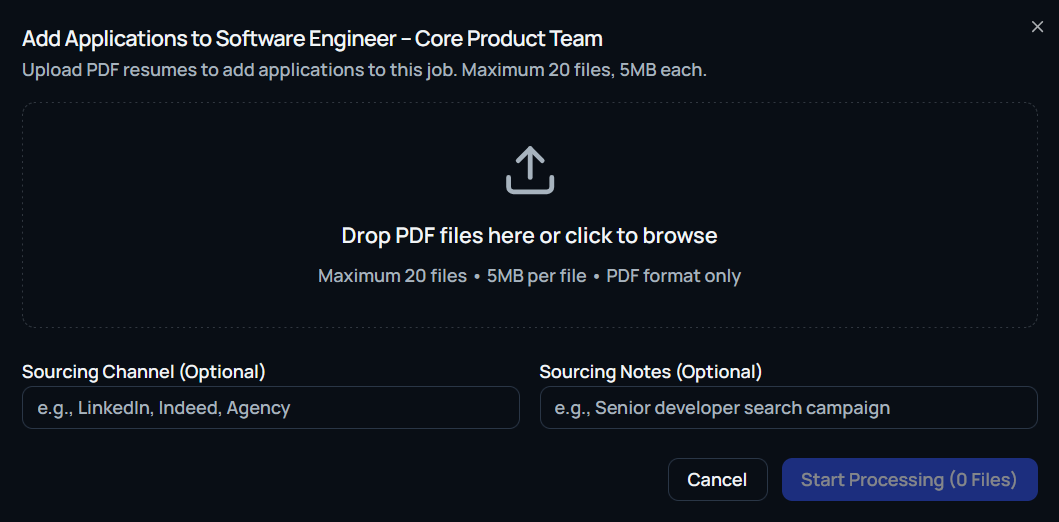
- Drag and drop or browse to upload up to 20 PDF resumes at once (maximum file size: 5 MB each).
- Optionally complete:
- Sourcing channel (for example, LinkedIn, Referral, Agency)
- Sourcing notes (for example, “Senior developer search campaign”)
- Click Start Processing.
Celect AI will automatically:
- Parse and analyze every resume.
- Apply your existing pipeline logic for ranking.
- Place the candidates directly into the Ranked tab of the candidate table.
Managing Results
Uploaded candidates appear within the job immediately. From there you can:
- Compare AI scores and match levels.
- Shortlist, reject, or move candidates to the next stage.
- Run any standard bulk actions (for example, flagging or emailing).
Note: Only PDF resumes are supported in bulk upload. For best results, ensure files are cleanly formatted so Celect AI can extract critical details accurately.