Overview
Cai is Celect’s semi-autonomous hiring agent. Type or speak natural language prompts and Cai will create jobs, manage applicants, schedule interviews, or surface insights in seconds. It connects to every major workspace surface—from job posts and pipelines to email, calendars, and candidate records.
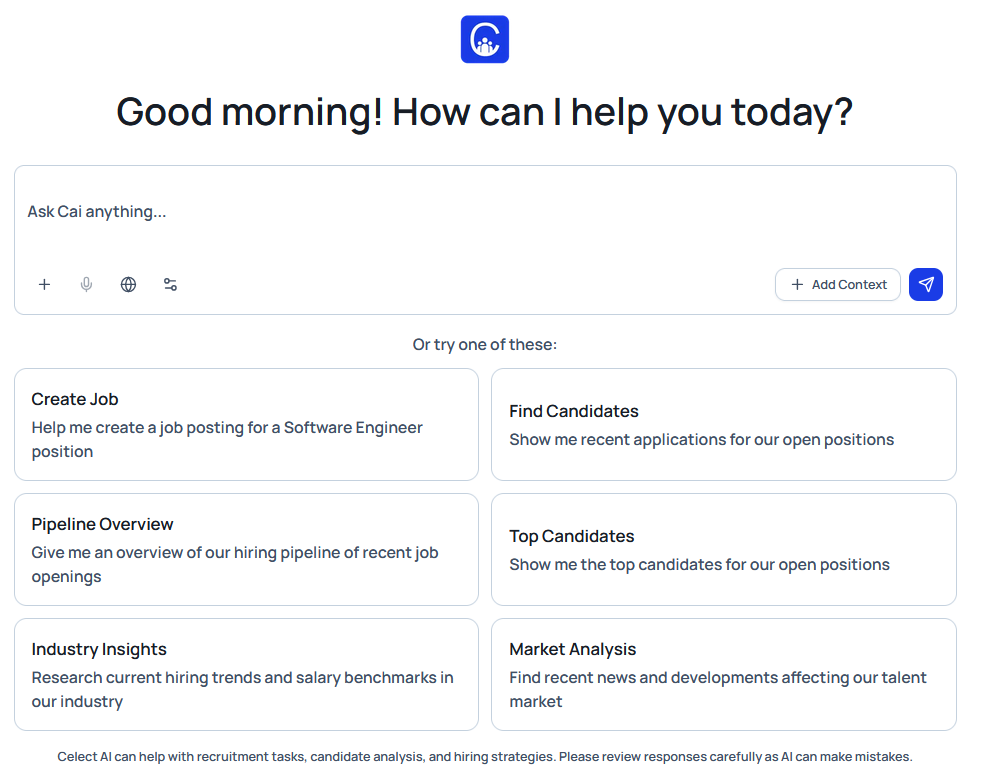
Accessing Cai
- Select Cai (Chat) from the sidebar.
- Type, speak, or search within the input bar.
- Optionally add context for jobs or Application
- Enable integrations with third-party tools if necessary
- Submit the prompt.
- Review results and updates directly within Celect.
Smart Input and Context Tools
-
Ask Cai anything: The universal input field accepts free-form requests.
-
Speech-to-text: Tap the microphone for hands-free interaction when you’re multitasking.
-
Built-in web search: Pull live market data, salary benchmarks, and industry updates straight into your workflow.
-
Integrations: Integrate other software so that Cai can connect and fetch or act on your data.
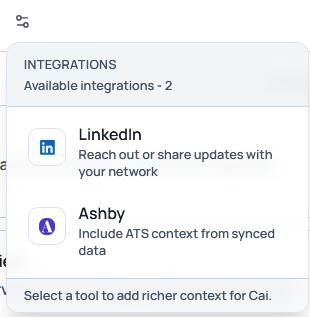
- Add context: Use + Add Context to target specific roles or applicants before you prompt.
- Jobs tab: Select one or more open positions (for example, UI/UX Designer, HR Lead, Senior Backend Developer).
- Applications tab: Choose individual applicants tied to any job.
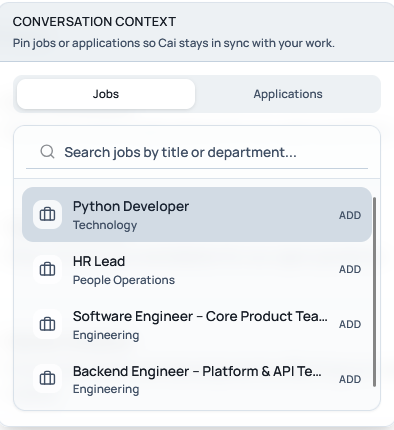
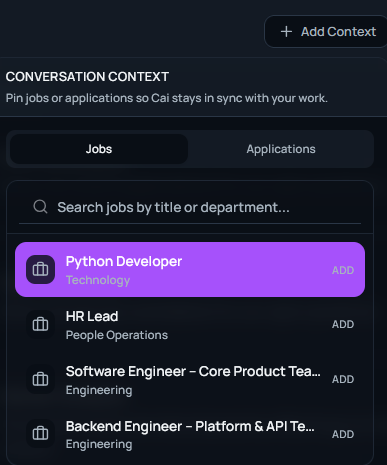
Cai tailors every action to the selected context, ensuring instructions remain job-aware and personalized. You can further refine Cai's work by adding context in the form of specific Jobs or Application via the Add Context button
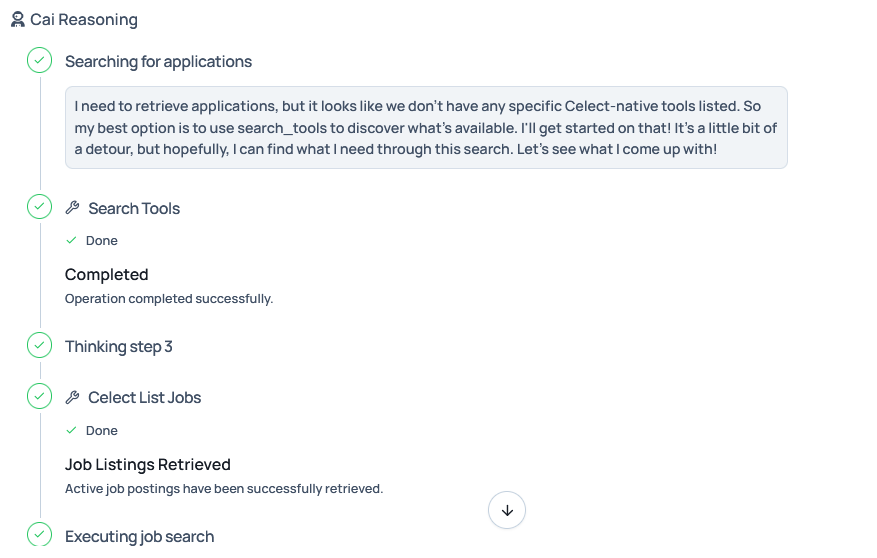
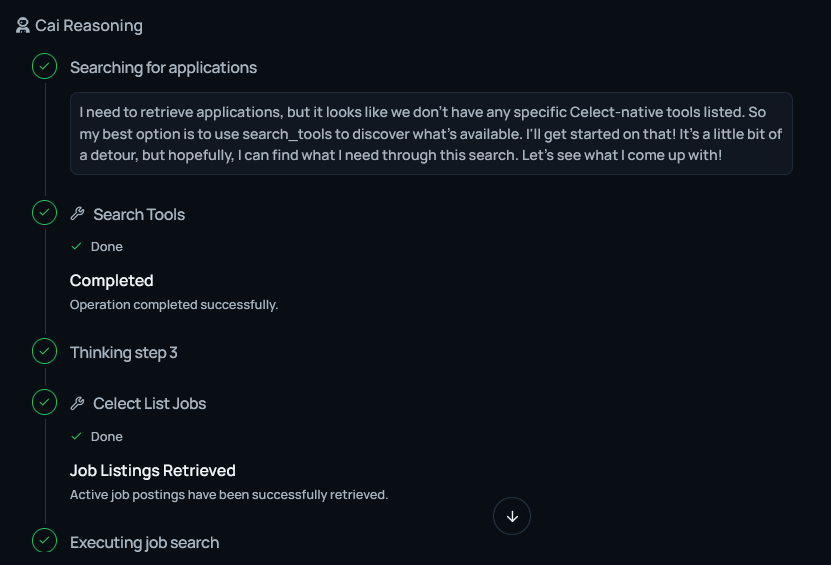
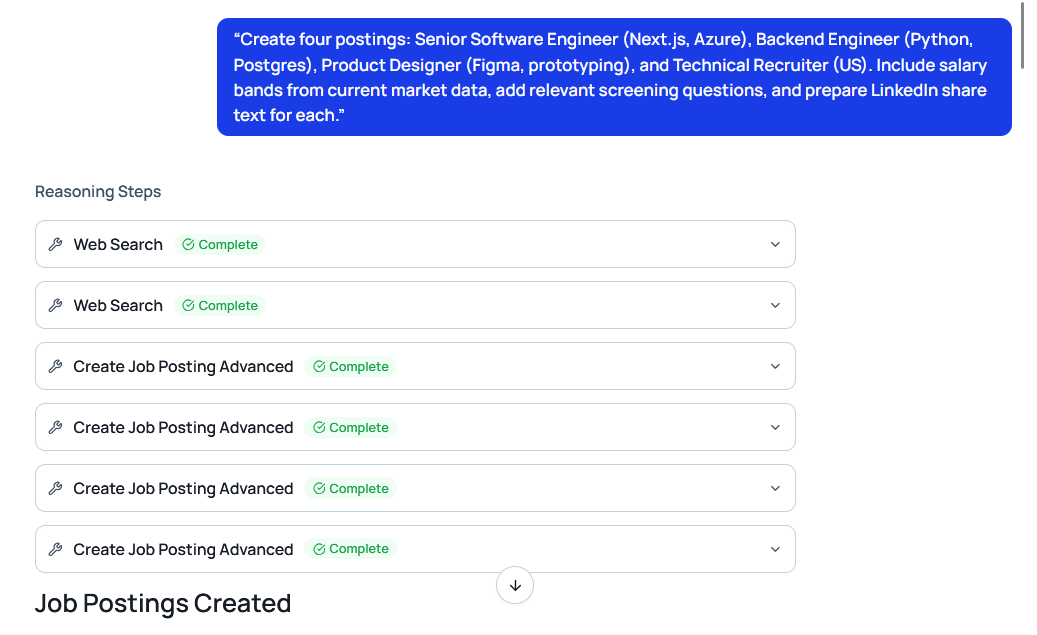
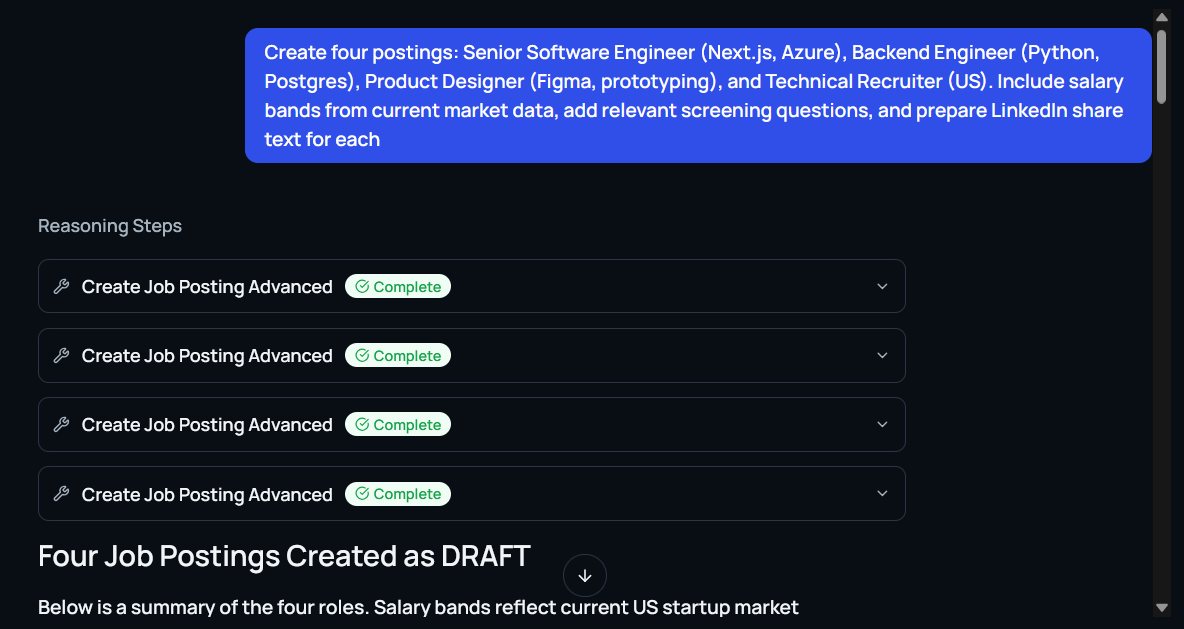
Any actions that Cai takes such as exploring your working workflow will be shown along as the reasoning of the agent
Example Workflows
1. Multi-Job Posting with Market Data
Prompt: “Create four postings: Senior Software Engineer (Next.js, Azure), Backend Engineer (Python, Postgres), Product Designer (Figma, prototyping), and Technical Recruiter (US). Include salary bands from current market data, add relevant screening questions, and prepare LinkedIn share text for each.”
Cai:
- Pulls real-time compensation data.
- Writes complete job descriptions with responsibilities and qualifications.
- Generates screening questions.
- Inserts formatted salary ranges.
- Publishes all postings simultaneously.
- Produces shareable job links and LinkedIn-ready captions.
Result: Multiple market-calibrated job posts drafted and published in minutes.
2. LinkedIn Post Generation & Team Distribution
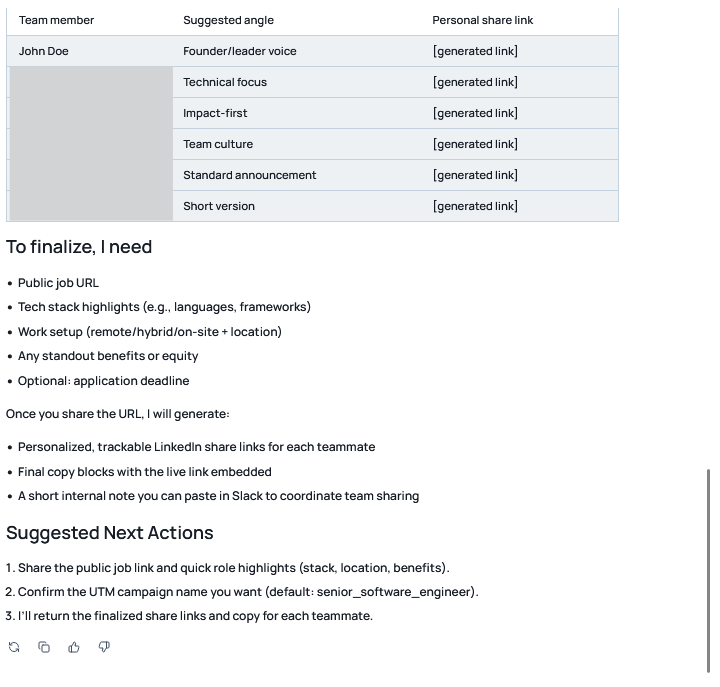
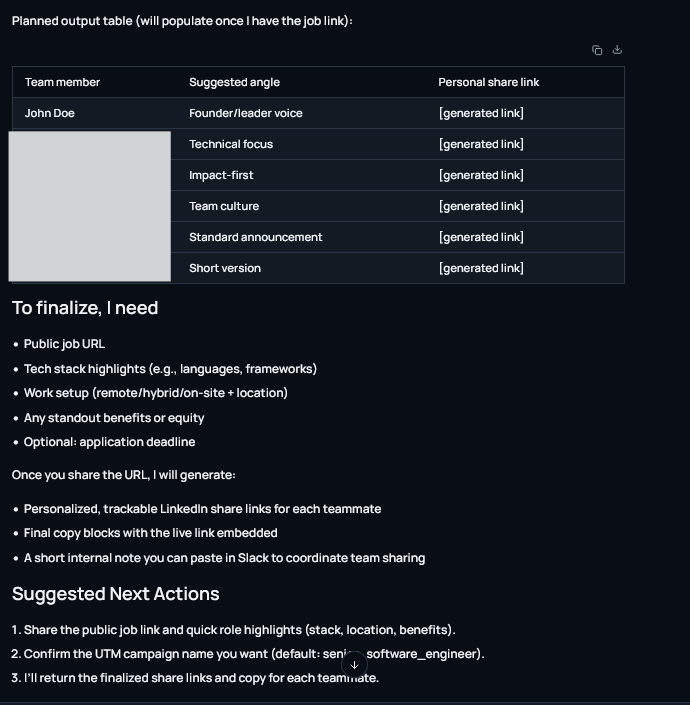
Prompt: “Write LinkedIn share text for our new Senior Software Engineer role and prepare team share links.”
Cai delivers platform-optimized copy, shortens URLs, adds hashtags, and prepares internal share links so recruiters can repost instantly.
Result: Immediate social visibility without waiting on marketing support.
3. Candidate & Team Email Automation
Prompt: “Email all Top Fit and Strong Fit applicants from the Senior Software Engineer role. Send the interview availability note, attach the take-home brief, and personalize the first two lines to their experience.”
Cai filters candidates by AI match strength, writes personalized messages, attaches files, embeds scheduling links, and sends through connected Gmail or Outlook. It can also notify internal teams.
Result: Human-quality communication delivered from a single prompt.
4. Pipeline Management & Automation
Prompt: “Move all applicants with fit score 80 or higher to Initial Interview, hold anyone flagged ‘Needs Review,’ and archive anyone below 60.”
Cai reorganizes stages, updates tags, and logs every action automatically.
Result: A clean, real-time pipeline without manual sorting.
5. Interview Scheduling & Calendar Sync
Prompt: “Schedule 30-minute interviews with all shortlisted candidates this week using my availability.”
Cai checks connected calendars, creates booking links, sends invitations with conferencing details, and manages reminders.
Result: Seamless scheduling that stays synced across tools.
6. Deep Applicant Comparison
Prompt: “Compare Alex Morgan vs. Jamie Rivera for the Senior Software Engineer role. Focus on Next.js depth, Azure experience, leadership, and recent project impact.”
Cai delivers side-by-side summaries with strengths, weaknesses, notable achievements, cultural indicators, and a recommendation.
Result: Fast, data-backed decisions.
7. Verification & Fraud Detection
Prompt: “Run verification on the finalists and re-analyze if any new documents were added.”
Cai checks resumes and LinkedIn data for discrepancies, flags anomalies, and re-runs analytics automatically.
Result: Trustworthy candidate information every time.
8. Continuous Re-Analysis & Optimization
Prompt: “Re-analyze all Product Designer applicants after uploading new resumes.”
Cai re-scores every candidate and refreshes fit labels immediately.
Result: Pipelines always reflect the latest data.
9. Insights & Reporting
Prompts: “Show me the top five candidates by leadership potential.” “Summarize last week’s activity for marketing roles.” “Which departments saw the highest application volume?”
Cai produces reports, summaries, and exports using live platform data and connected calendars.
Result: Decision-ready insights on demand.
Everything Cai Can Do
- Post multiple roles with salary benchmarking.
- Write and publish LinkedIn content (including LinkedIn Jobs).
- Email candidates and internal stakeholders.
- Manage pipelines and update stages.
- Schedule and confirm interviews.
- Compare finalists with AI analysis.
- Detect inconsistencies and potential fraud.
- Re-analyze applications automatically.
- Generate insights and reports.
- Search the web for live market data.
- Ingest context selections for specific jobs or applicants.
- Accept voice commands through speech-to-text.
- Use third-party integrations to leverage your data from other platforms.
Tasks that once required hours of manual effort now take minutes, with Cai orchestrating each step intelligently across your workspace.