Section 12: Settings
Update branding, culture signals, hiring needs, and strategic goals.
Overview
The Settings page stores organization-level information used across Celect. From brand identity to hiring goals, each section keeps your profile current so candidates and internal tooling stay aligned.
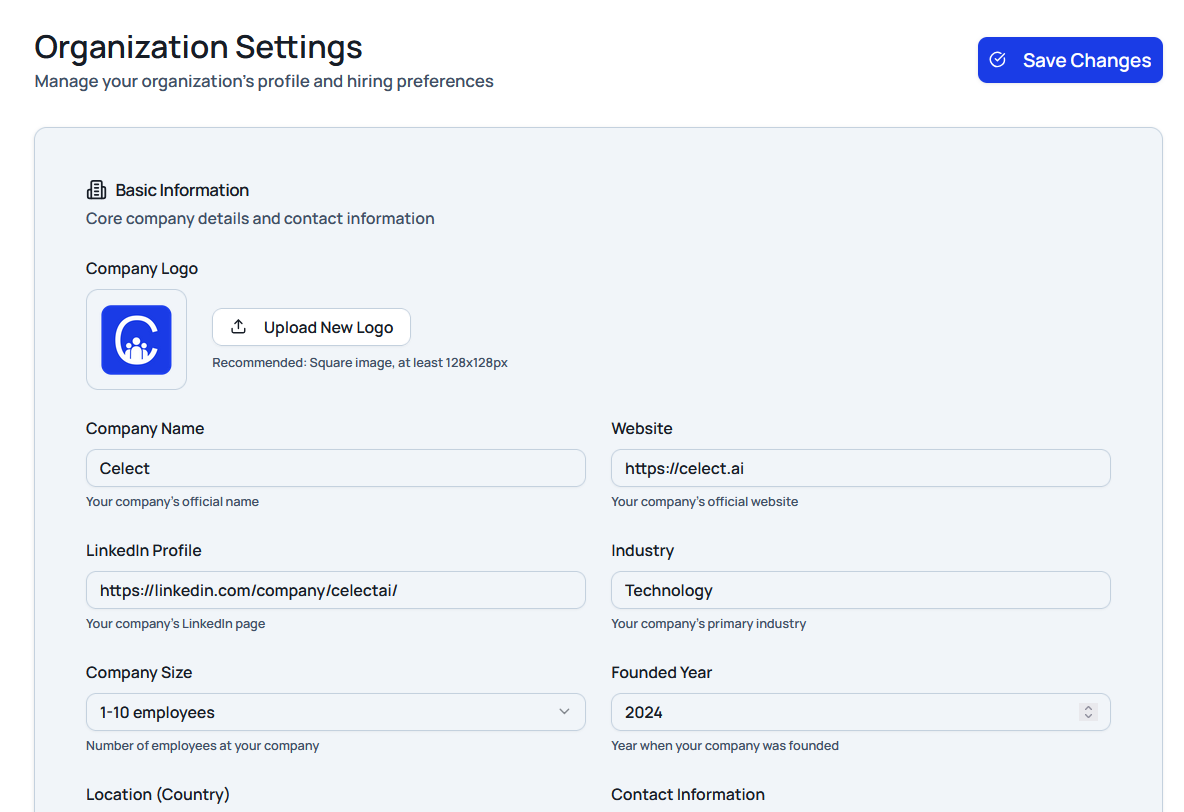
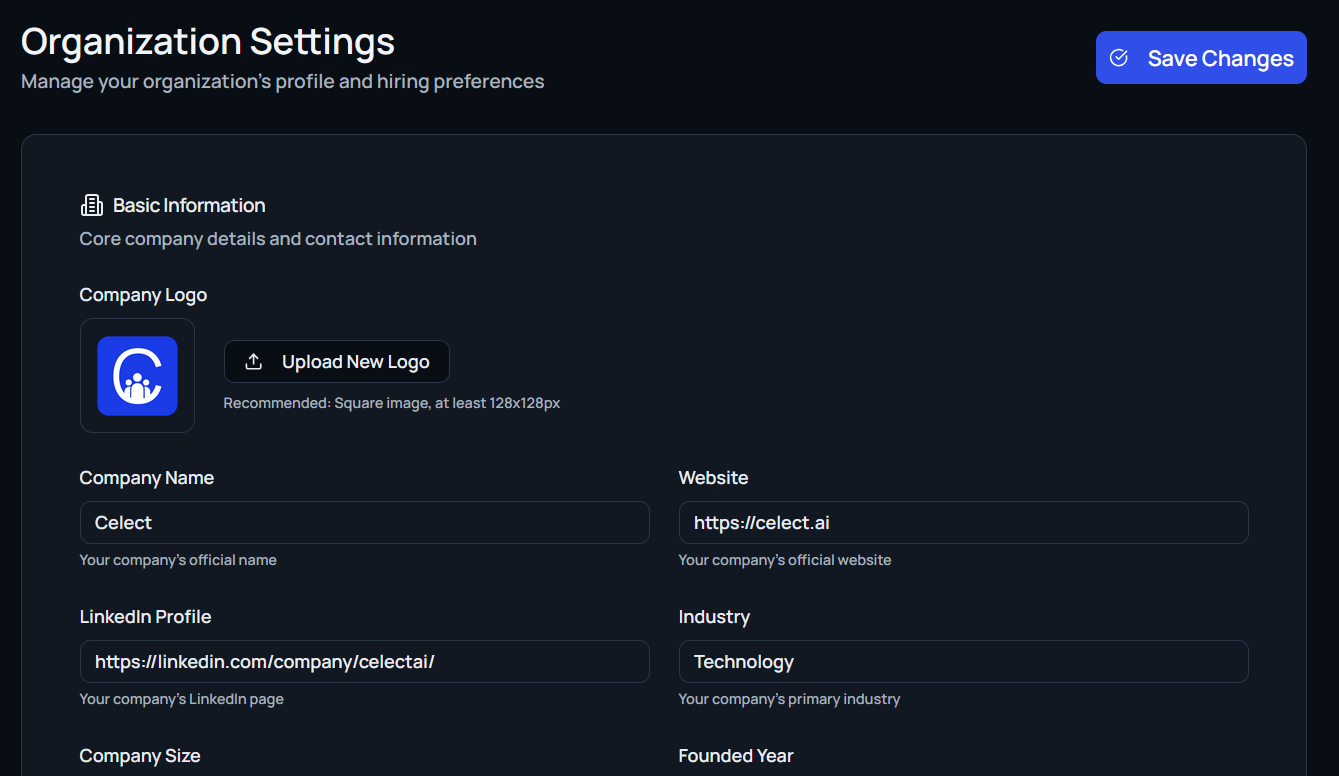
Basic Information
Update general company profile details:
- Logo: Upload a square image (128×128px or larger recommended).
- Company name
- Website
- LinkedIn profile
- Industry
- Company size
- Founded year
- Location (country)
- Contact email
- Company description: Summarize what you do and your employer value proposition.
Company Culture
Describe the culture you want to project:
- Core values: Select traits like integrity, innovation, or accountability.
- Work environment: Choose descriptors such as remote-first, collaborative, or results-oriented.
- Diversity & inclusion initiatives: Share programs, goals, or long-term vision statements.
Hiring Needs
Clarify the roles and soft skills you’re prioritizing:
- Roles needed: Pick from standard roles or add custom titles (for example, Software Engineer, HR Manager, UX Designer).
- Personality traits: Tag qualities like problem solver, self-motivated, or strategic thinker.
Hiring Goals
Set targets that guide recruiting plans:
- Number of positions: Specify how many hires you anticipate.
- Timeline: Define the window for reaching your hiring goals.
- Success metrics: Track KPIs such as time to hire, retention rate, diversity goals, or interview-to-hire ratios.
Additional Media
Enhance your employer brand with supporting content:
- Social media links: Add company handles on platforms like X, Instagram, or Facebook.
- Employee testimonials: Capture quotes from team members, optionally including their titles.
Each subsection can be edited independently, making it easy to keep your organization profile fresh and aligned with current hiring strategy.