Overview
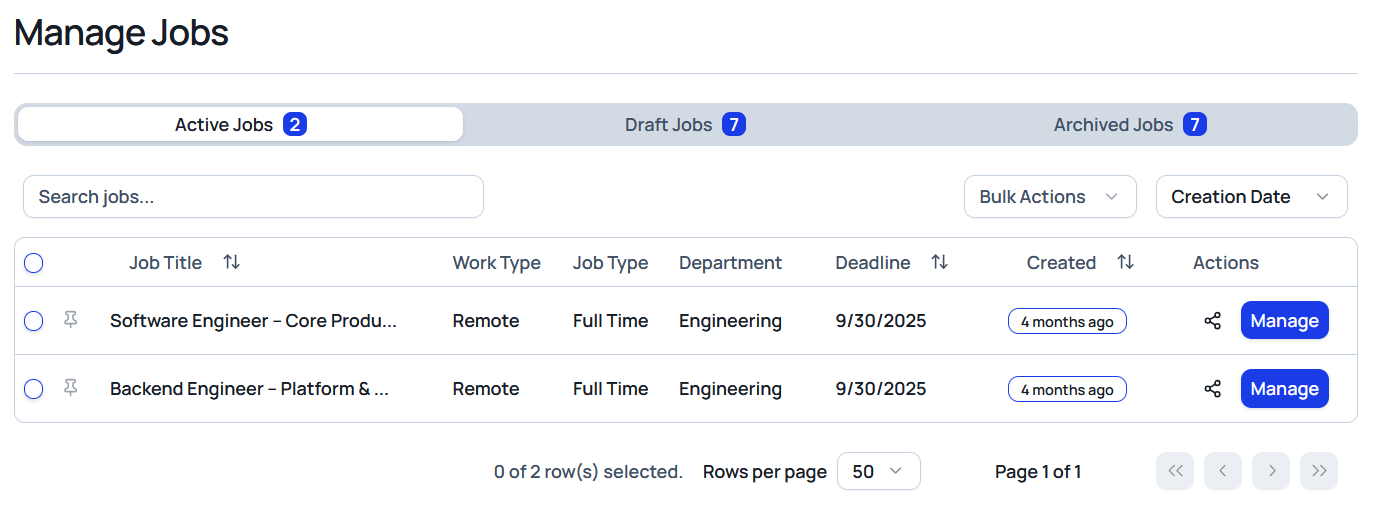
Manage Jobs is the operational hub for every job listing in Celect. Use it to track status, audit details, and keep roles organized from draft through archival. Tabs and quick actions ensure your pipeline stays clean and ready for processing.
Core Features
Status Tabs
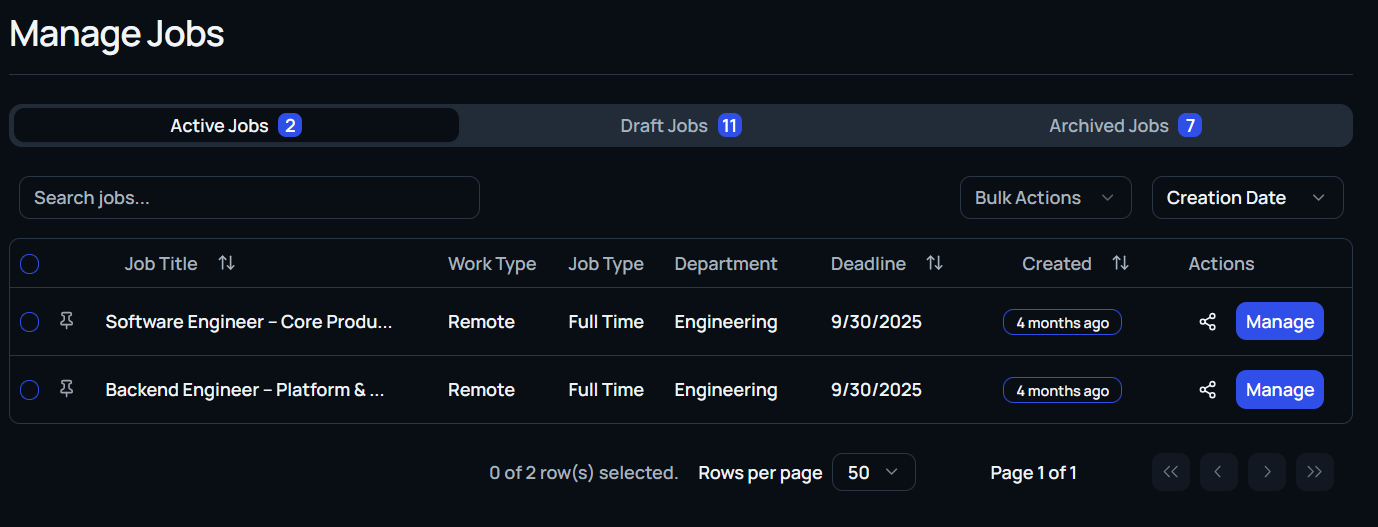
Toggle between Active, Draft, and Archived jobs to focus on listings at each stage of the lifecycle.
Search & Sort
Use the global search bar to locate jobs by title. Sort columns by title, department, deadline, or creation date to surface the right posting fast.
Job Table View
Each row reveals key fields:
- Job title
- Department
- Application deadline
- Date created
- Primary action button to View or Edit
Bulk Selection
Select multiple jobs at once to archive or manage in batches whenever the feature is enabled for your workspace.
Draft Reminder
Draft jobs remain private to your team. Use the draft view to polish descriptions, compensation, and screening logic before publishing.
Row Actions Menu
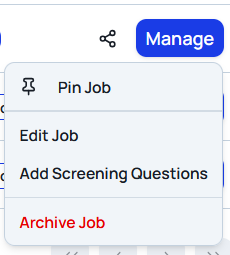
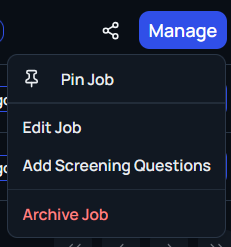
Open the ... menu beside a job row to access deeper controls:
- Edit Job: Update title, location, description, compensation, and more.
- Preview Job: See the candidate-facing version before sharing.
- Add Screening Questions: Layer in additional filters to qualify applicants upfront.
- Share Job: Copy a shareable link for external promotion.
- Archive Job: Remove the posting from active views without deleting historical data.
View Job Details
Selecting View drills into the full job workspace, including applicants tied to the posting, so you can review pipeline activity inside a single context.